
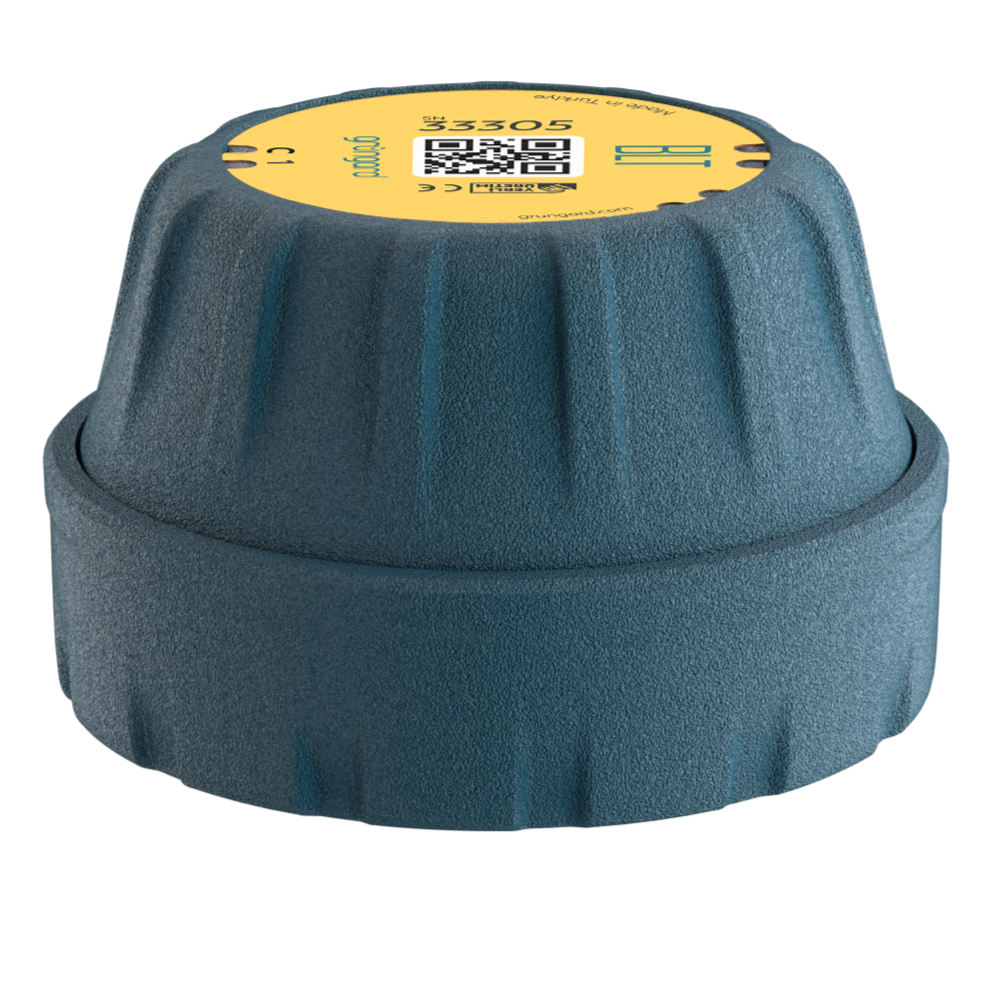
 Bluetooth
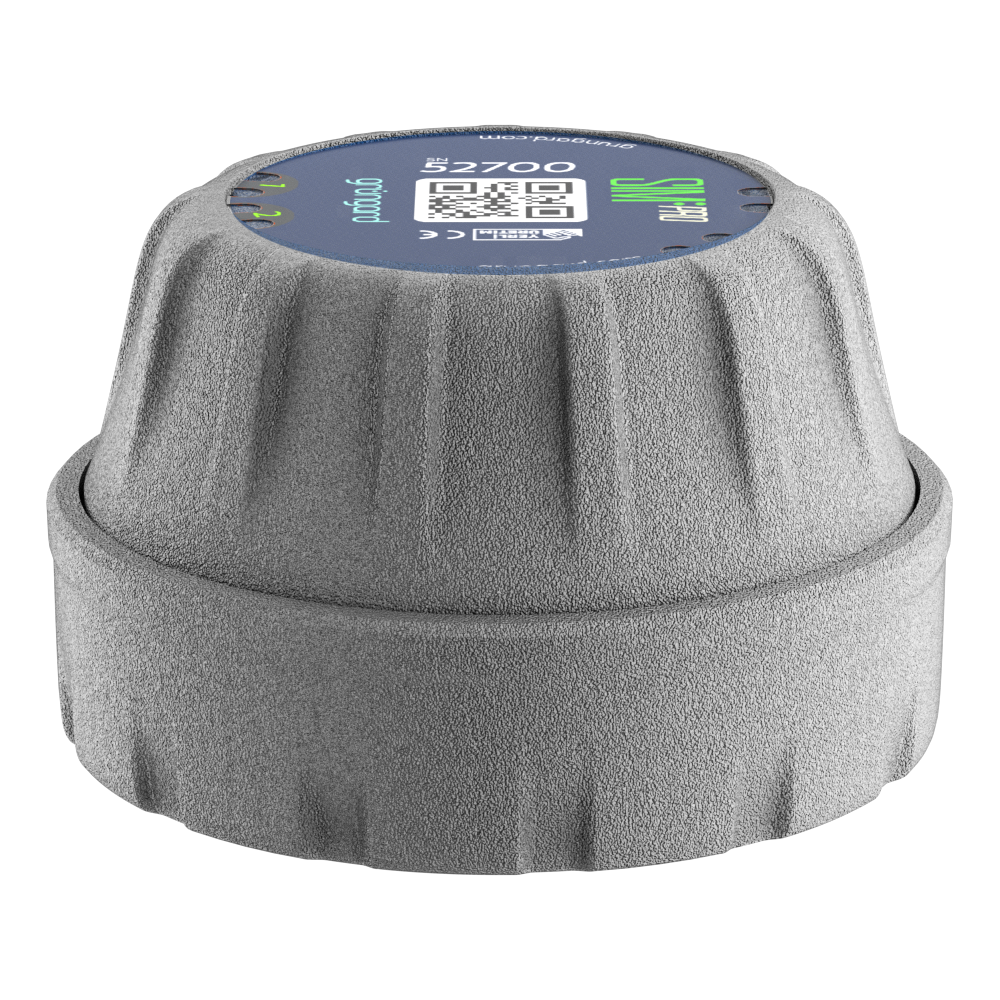 SIM Pro IOT
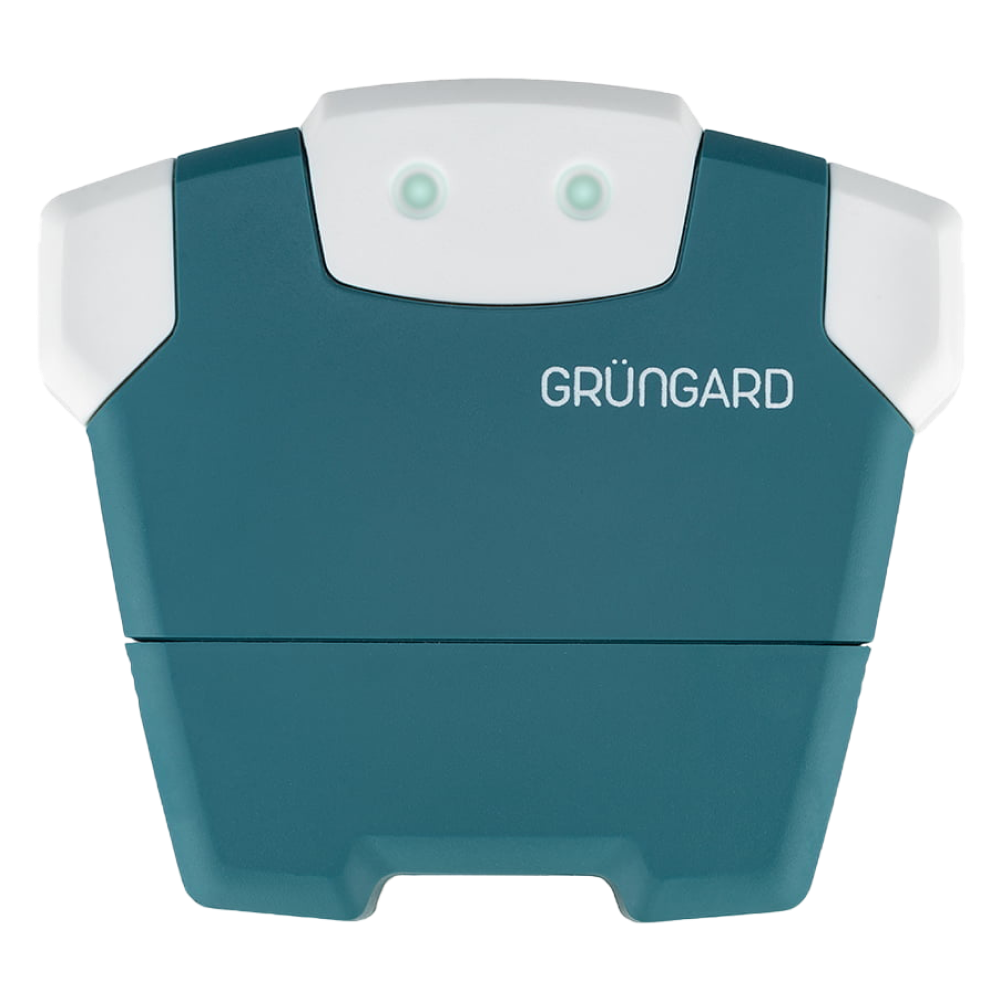 Wi-Fi & Bluetooth
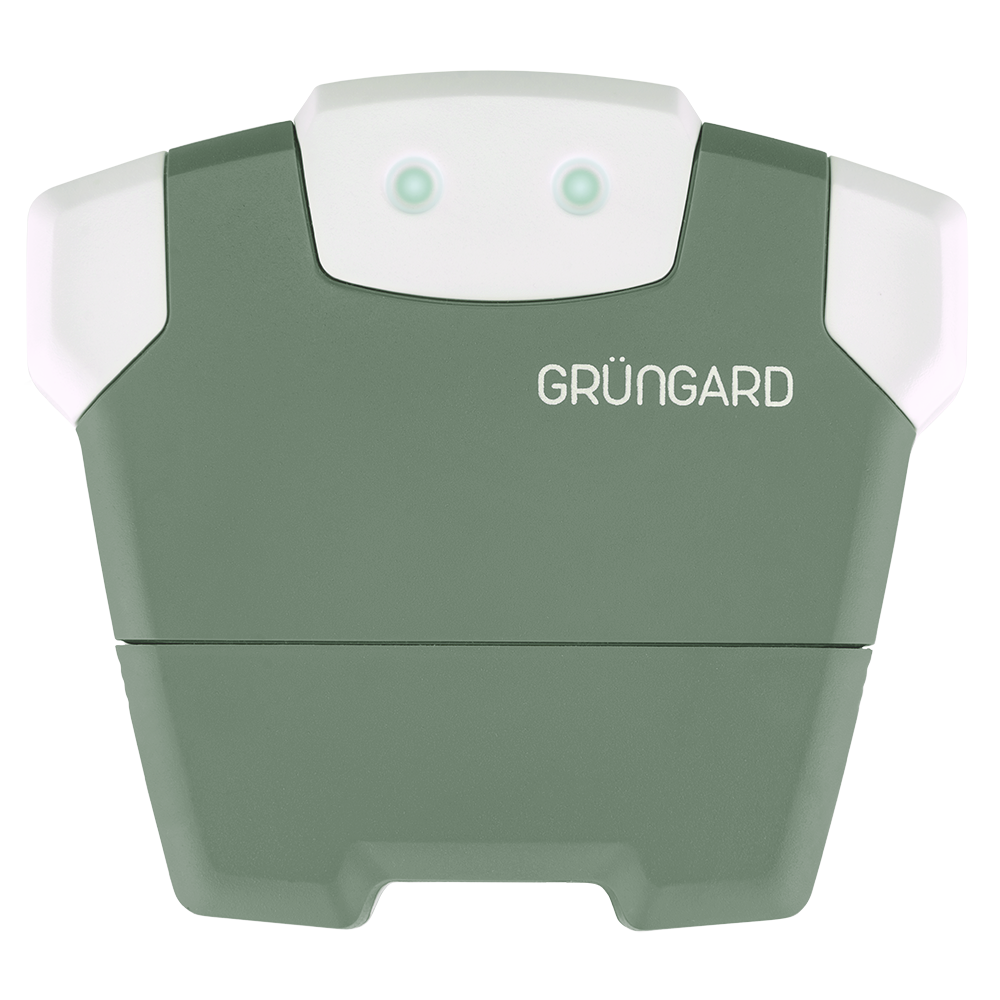 SimFarmer IOT

LED Wink Status Indicators #
Your device communicates through simple LED Winks—each color and rhythm shows what the device is doing at that moment.
Some winks have the same meaning on all models, while warning winks differ by device type.
1. Common LED Winks (All Models) #
The following winks mean the same thing on both Gardener (Wi-Fi) and Farmer (SIM) models:
Solid Green LED Wink
The connection is successful. The device is online and ready to receive commands.
Blinking Blue LED Wink
The device is currently watering.
You can check this wink to see if the valves are active.
2. Model-Specific LED Winks #
Yellow and red LED Winks vary depending on the model you use.
A. Gardener Series (Wi-Fi Models) #
Solid Yellow LED Wink
Your phone is connected to the device via Bluetooth.
Common during initial setup; completely normal.
Blinking Red LED Wink
Wi-Fi connection error.
The device is trying to connect to the router but cannot.
Possible causes include incorrect Wi-Fi password, weak signal, or router MAC filtering.
B. Farmer Series (SIM Models) #
Fast Blinking Red LED Wink
SIM card read error.
Make sure the SIM card is fully inserted and properly oriented.
Slow Blinking Red LED Wink
Network error.
The device detects the SIM card but cannot connect to the operator.
Ensure the SIM line is active.
If you are using Grüngard’s connectivity service, feel free to reach out.
Note
When the device is powered on for the first time, it may show red LED Winks briefly until the connection is established.
This is normal.
Support #
If you see LED Wink behavior different from what’s described here—or if a red LED Wink doesn’t clear—contact us via WhatsApp Live Support.
Water your garden with confidence — control is now in your hands.


 +90 850 377 07 30


