1. Download & Sign In #
Download the Grüngard app from the App Store or Google Play.
Enter your phone number and verify your account with the SMS code.
2. Adding a Device #
Power on your device (battery or adapter) and tap the + button on the home screen.
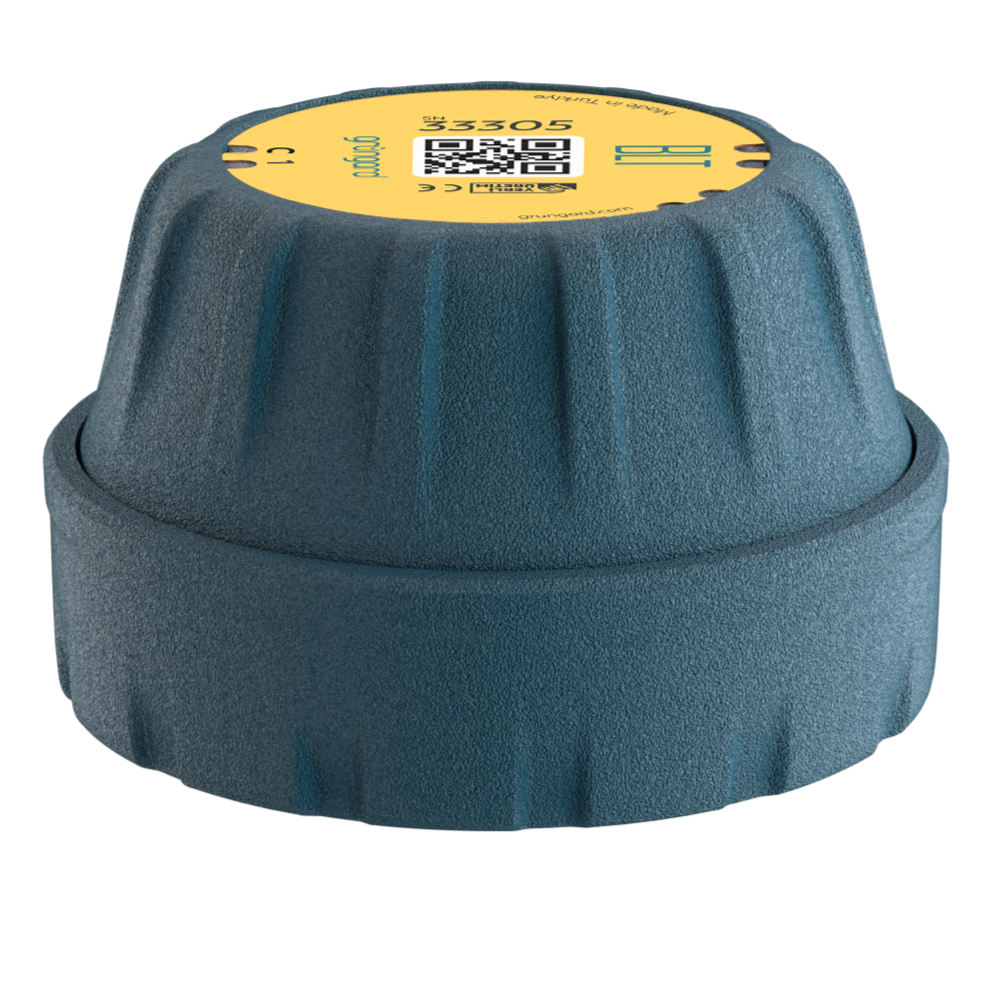
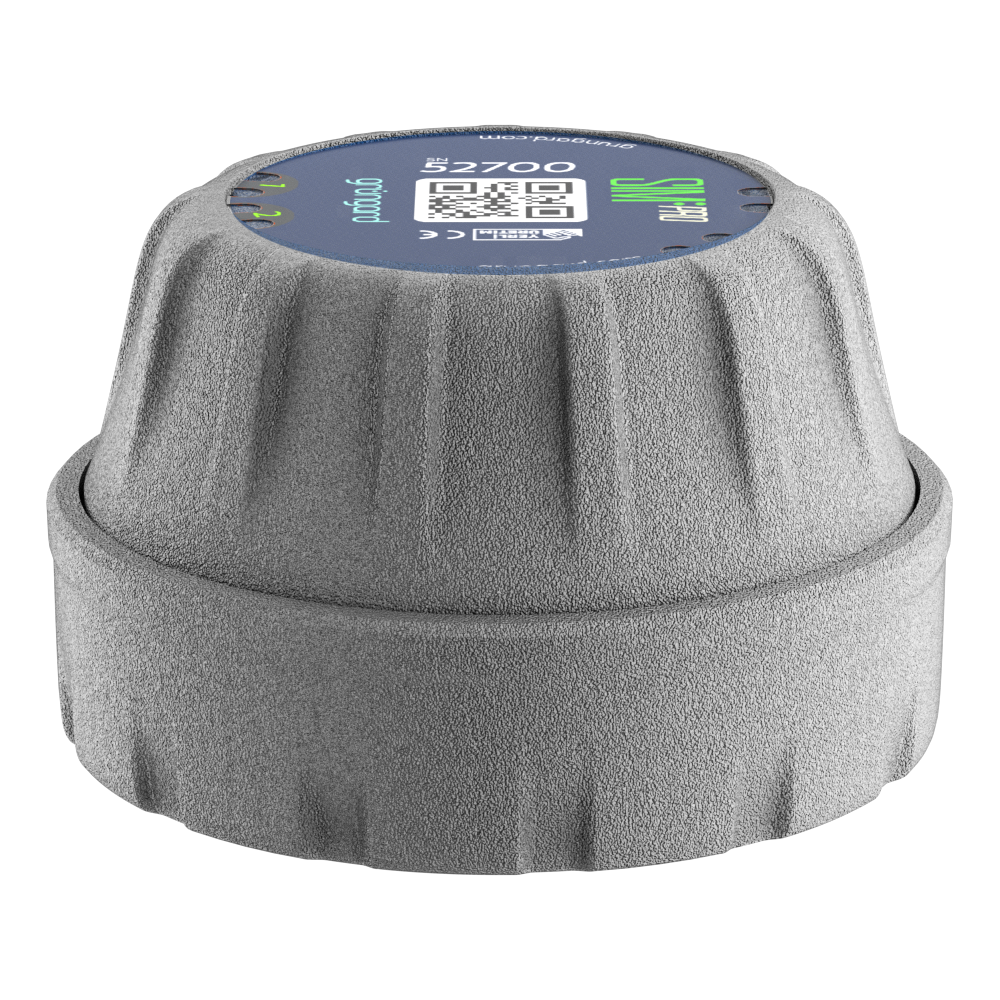
Scan the QR code on the device.
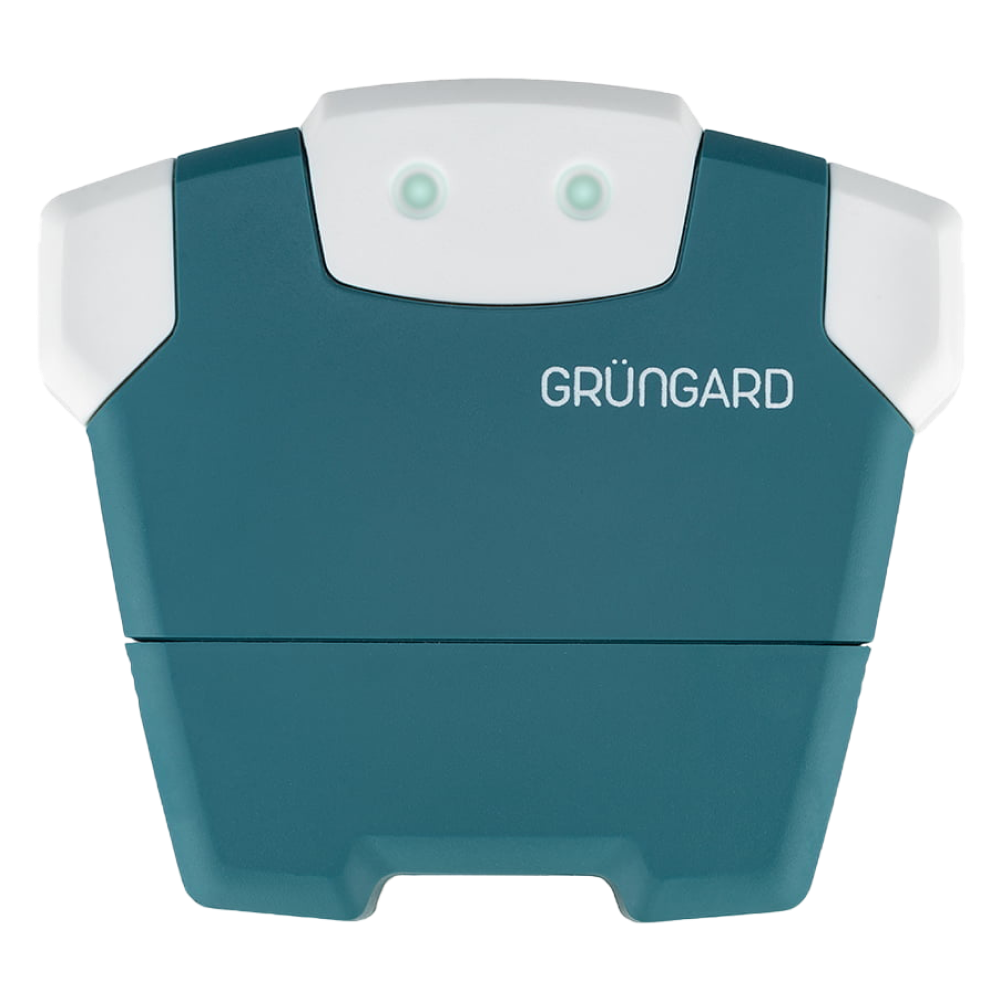
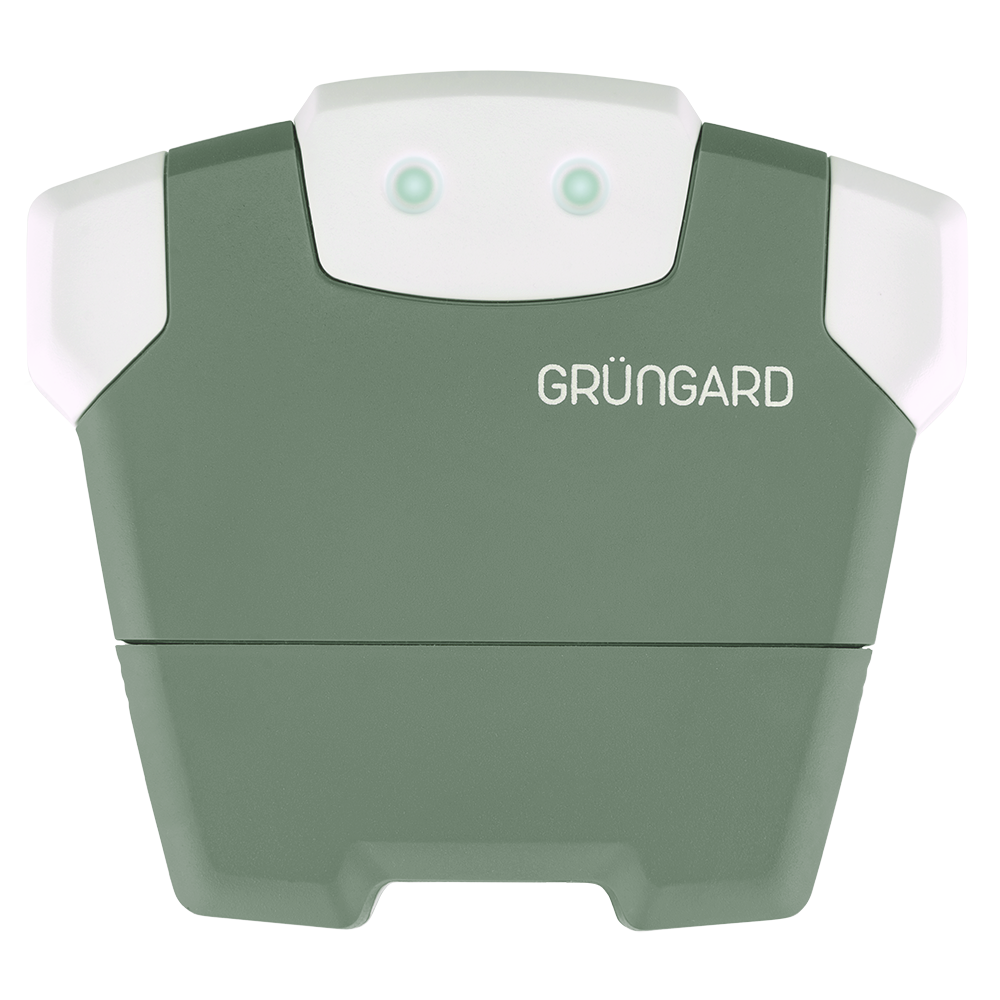
For the Gardener model, enter your 2.4 GHz Wi-Fi password.
Optionally give your device a name.
Select its approximate location on the map.
Configure your zones: disable unused zones, add names or photos if desired.
3. Home Screen & Control #
Your device will appear on the home screen after setup.
Tap it to access all settings and controls.
4. Creating a Watering Schedule #
Go to Watering Schedules → tap + to create a new plan.
Select days, start time, and watering duration.
Choose a mode:
Per Zone: All zones run for the same duration.
Detailed Settings: Set different durations for each zone.
Zones run sequentially, not at the same time.
Tap Save to finish.
5. Manual Watering (Water Now) #
Open Water Now, set a duration, and start watering.
Stop early any time using the info bar at the top of the screen.
6. Settings & Extra Features #
View watering history and calendar view (except BLT).
Smart Watering: Weather-based adjustments for rain, sun, and wind (except BLT).
Guest Users: Share access via link with family or gardeners.
Enable notifications to be alerted when watering starts and ends (except BLT).
Support #
For help, use the Help section in the app or contact us via WhatsApp live support.
Water with confidence — control is now in your hands.
Bluetooth
SIM Pro IOT
Wi-Fi & Bluetooth
SimFarmer IOT