
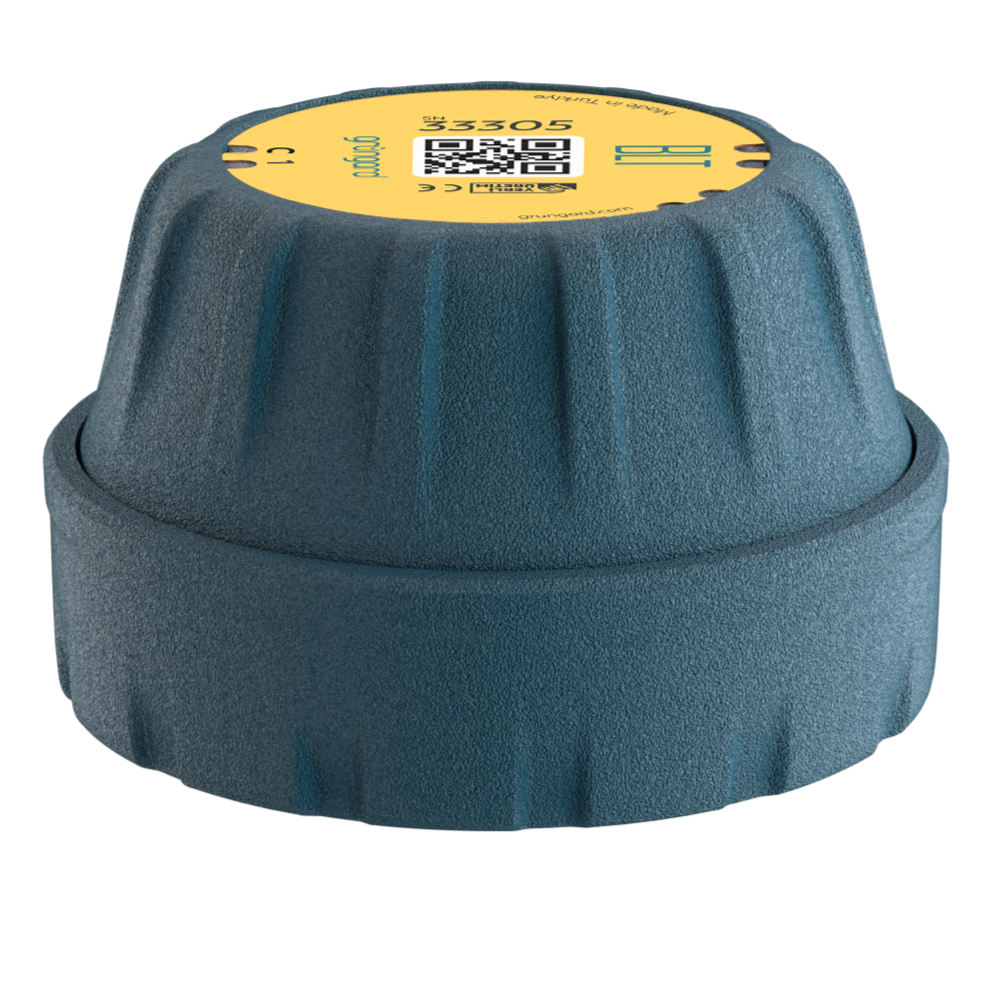
 Bluetooth
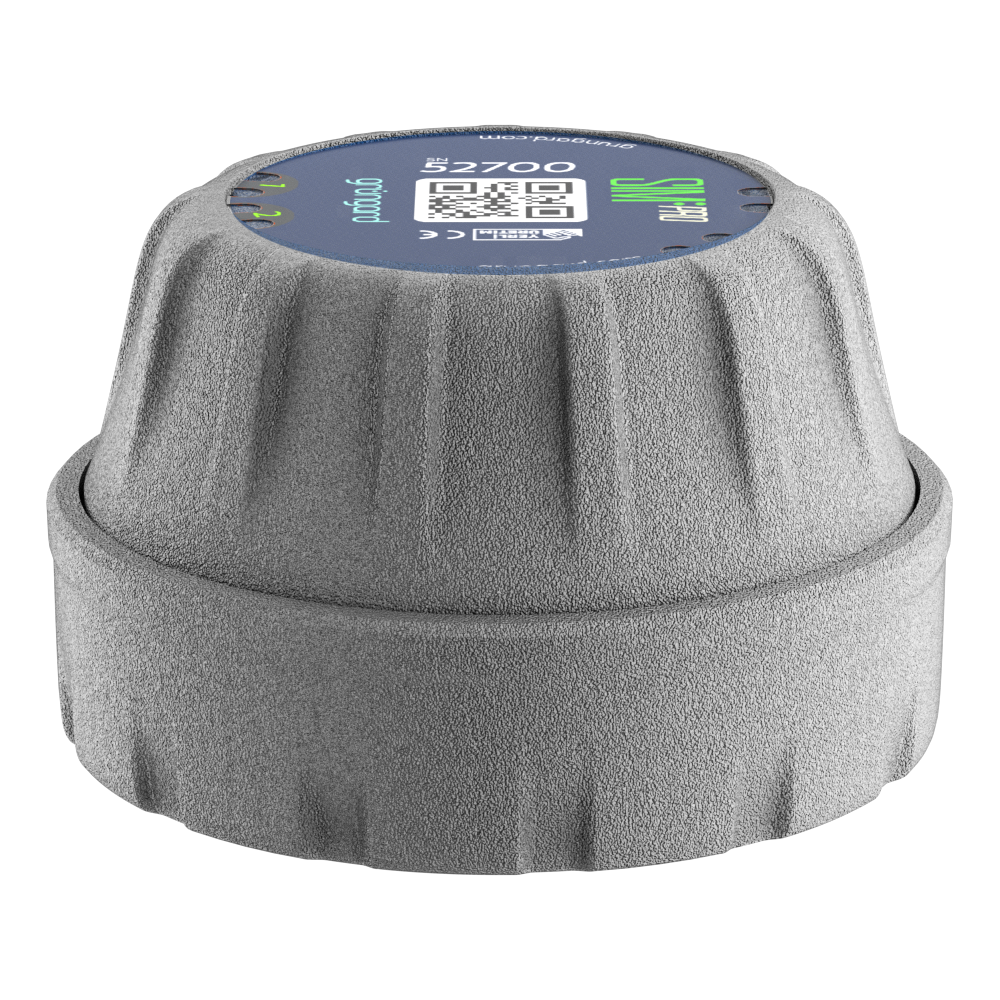 SIM Pro IOT
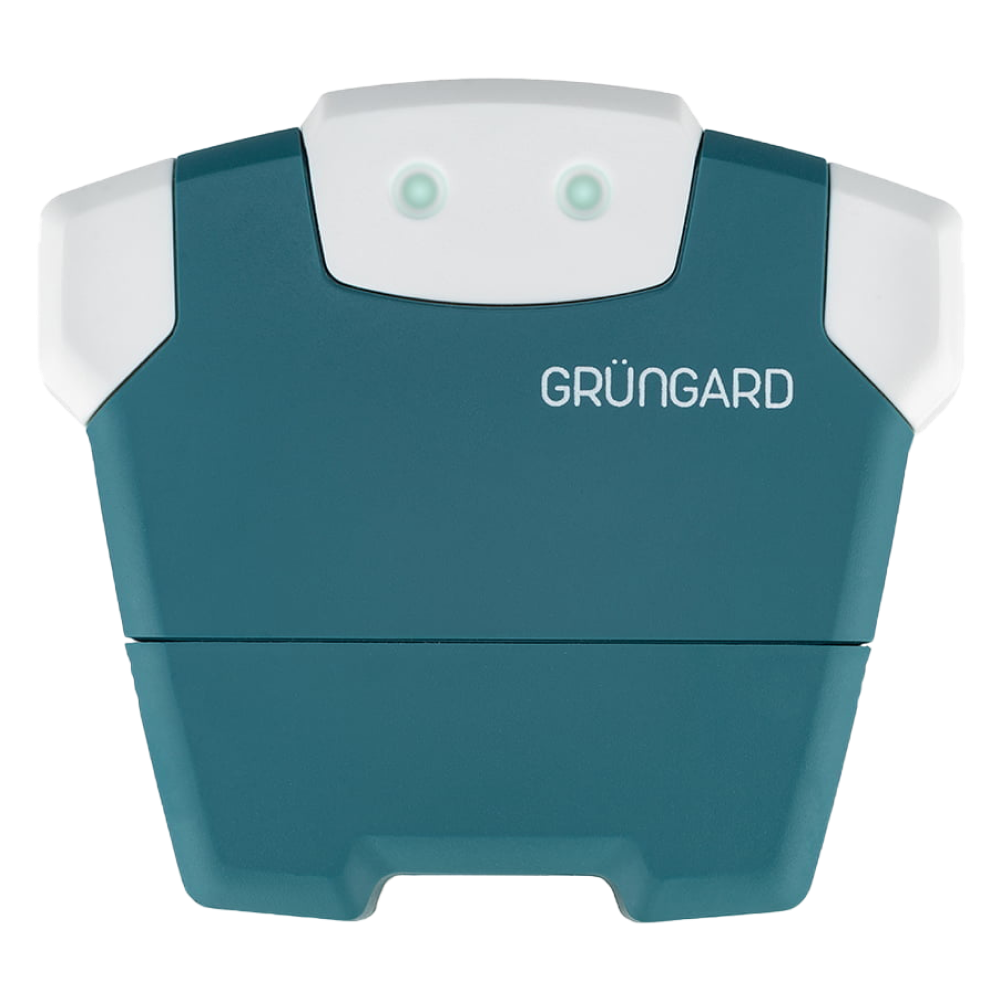 Wi-Fi & Bluetooth
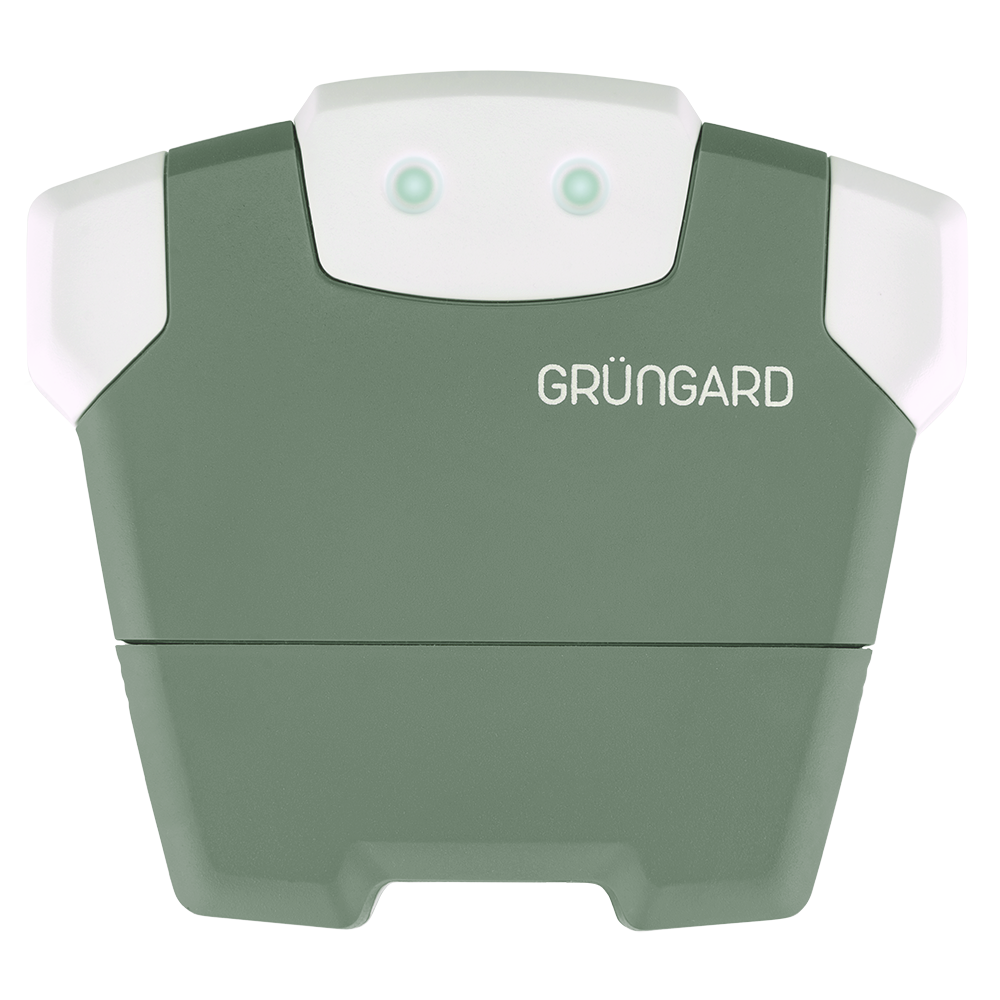 SimFarmer IOT

You can safely share control of your Grüngard device with family members or your gardener. There is no need to repeat the setup process on another phone—the invitation feature is all you need.
1. Accessing the Menu
Open the device details page, go to Settings, and tap Guest Users. This screen shows the list of people who currently have access to the device.
2. Adding a New User
Tap the + icon in the bottom-right corner. The app will generate a unique sharing link for you. Send this link to the person you want to authorize—via WhatsApp, SMS, or Email.
3. Accepting the Invitation
The invited person must have the Grüngard app installed and must create an account using their own phone number. Once they tap the link you shared, the device will automatically be added to their home screen.
4. Managing Permissions & Removing Users
If you want to stop sharing access, swipe left on the user’s name or tap on it to remove their permission. The removed user will no longer see the device in their app.
Support
If you experience any technical issues, feel free to reach out through the support channels below.


 +90 850 377 07 30


