
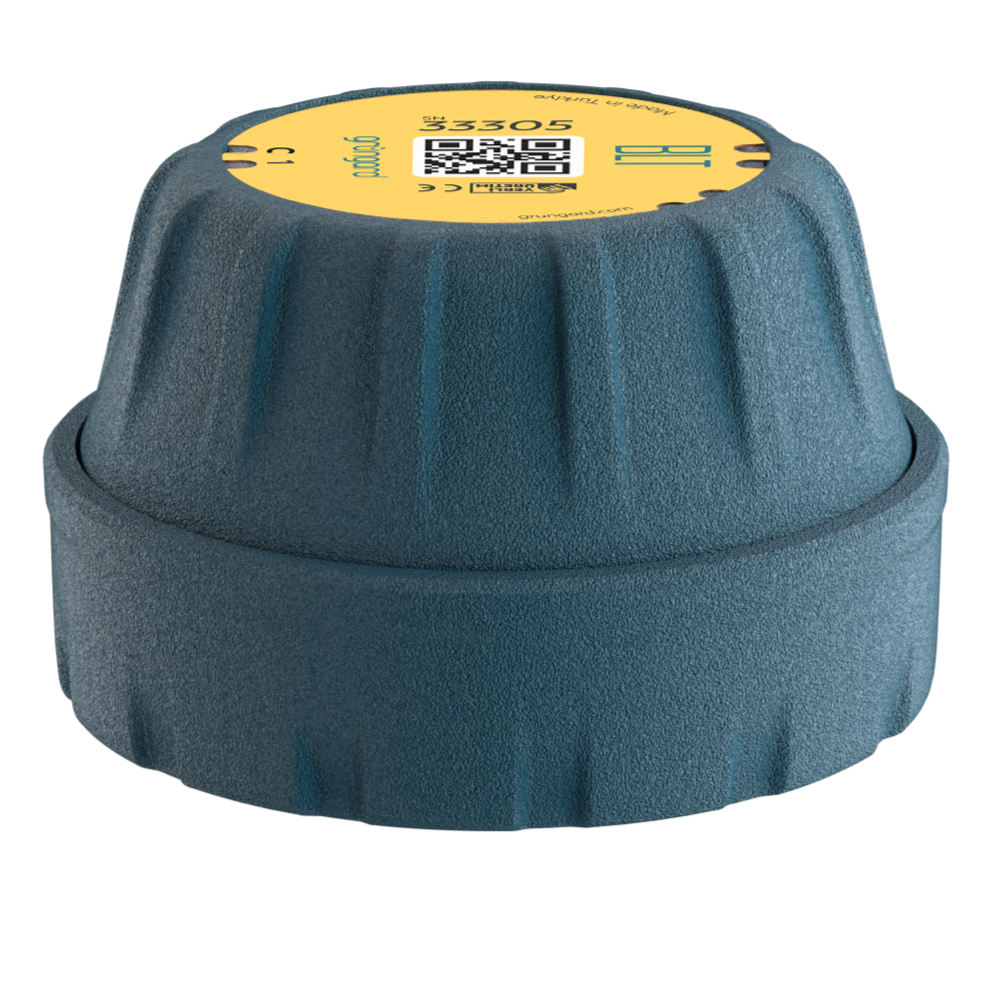
 Bluetooth
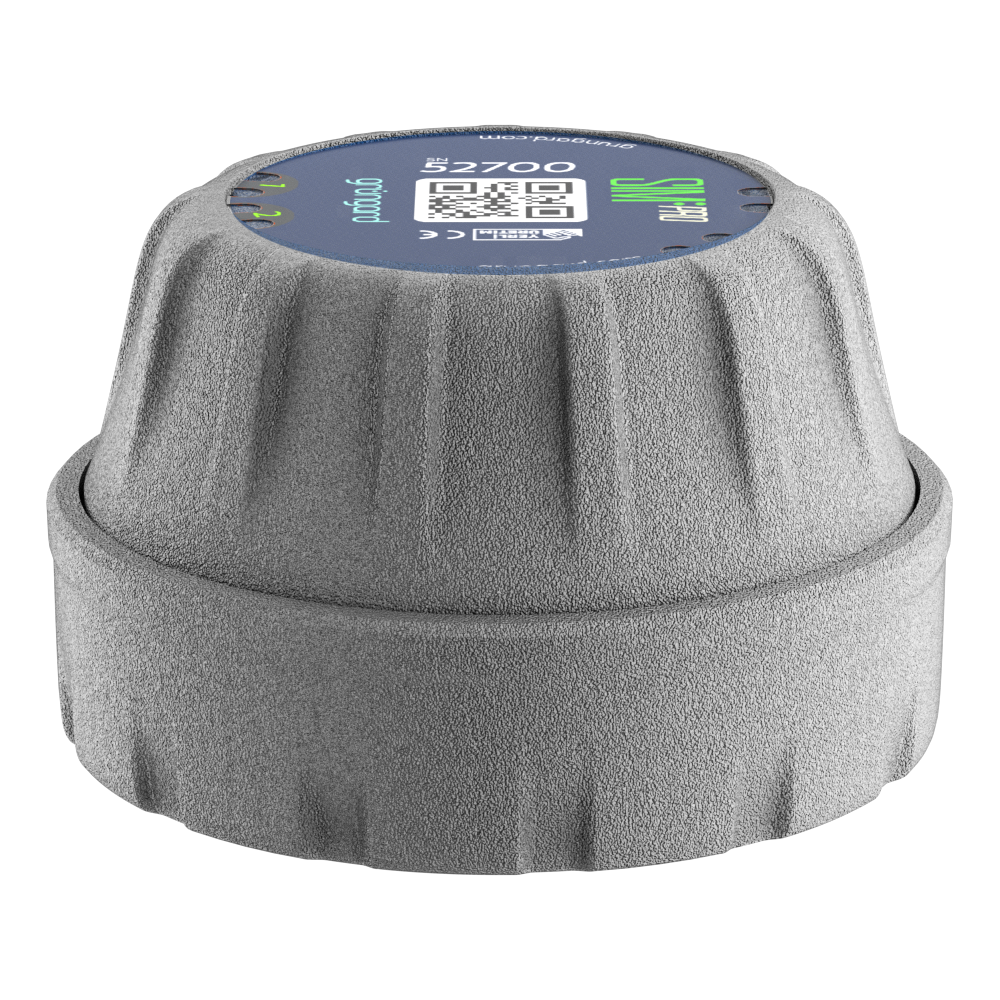 SIM Pro IOT
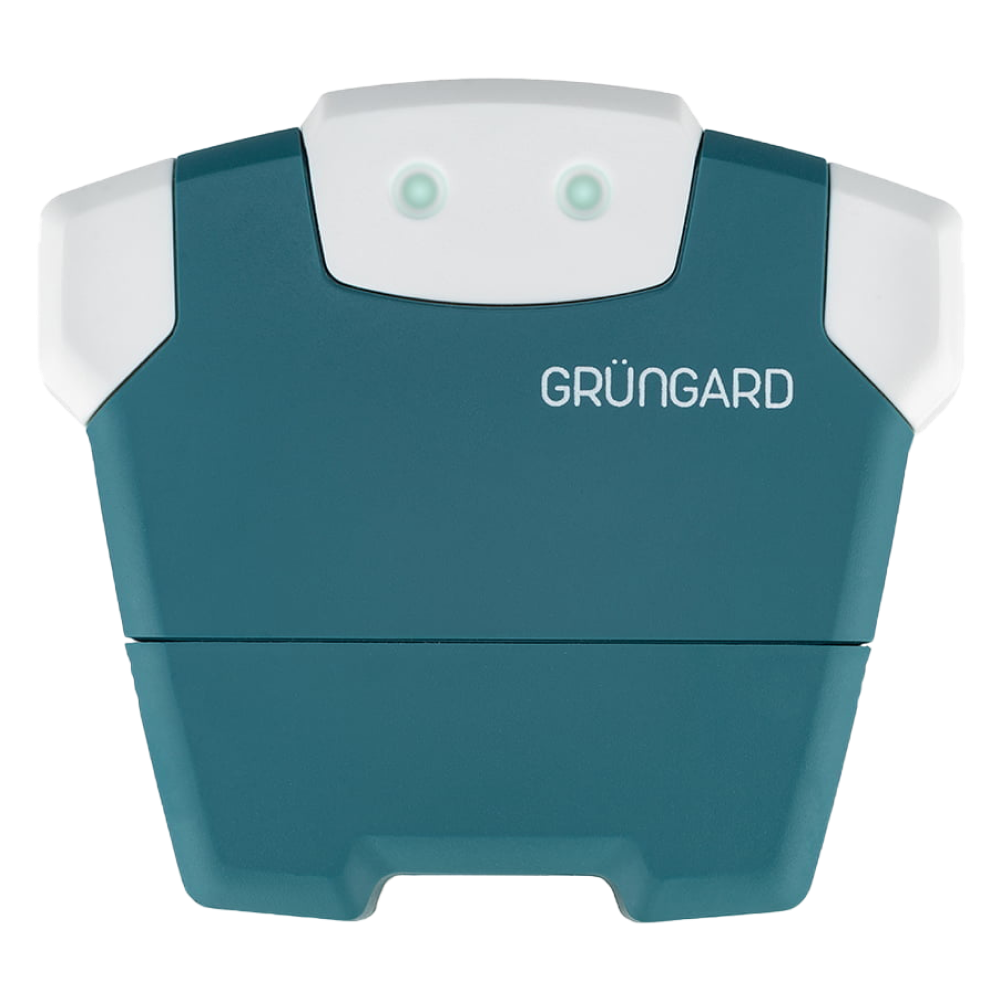 Wi-Fi & Bluetooth
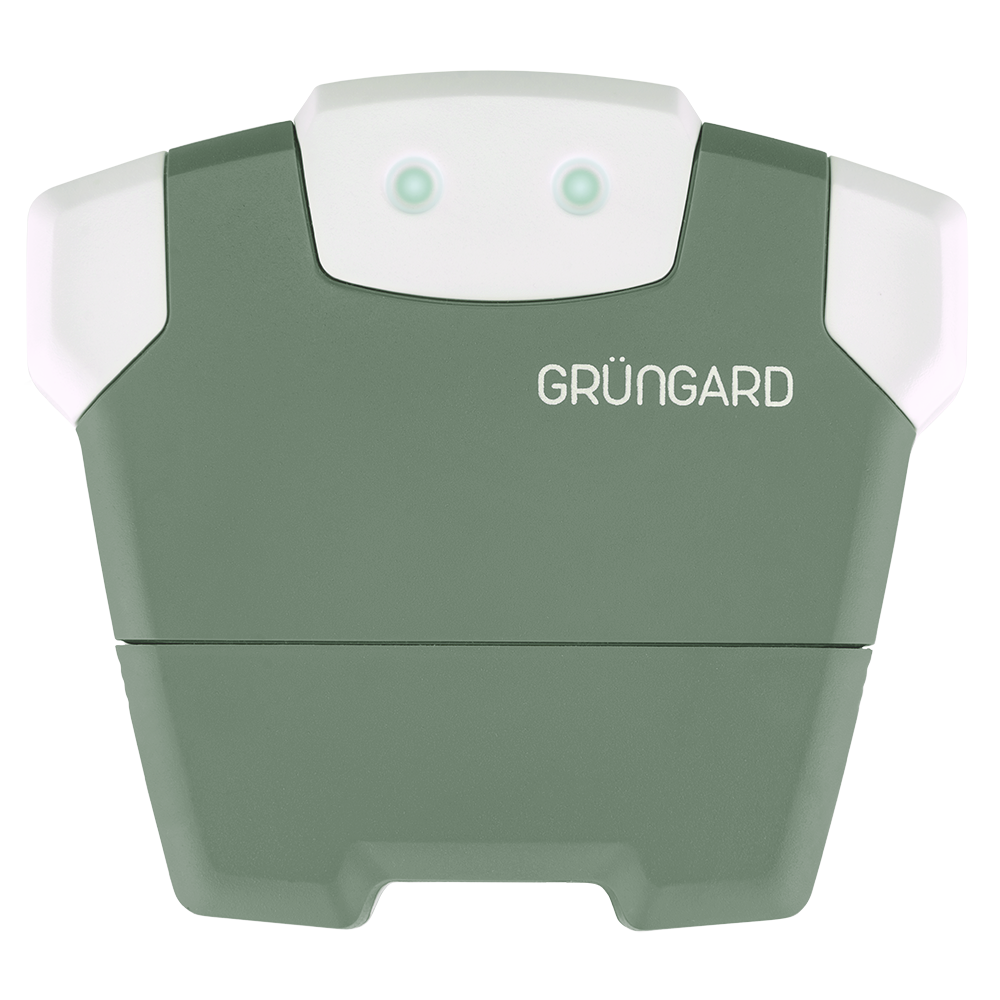 SimFarmer IOT

You can create as many irrigation schedules as you need to keep your garden watered automatically and consistently.
1. Creating a Schedule
Go to the Irrigation Schedules tab from the bottom menu and tap the + button in the lower-right corner. Give your schedule a descriptive name (e.g., Morning Irrigation). Select the days you want irrigation to run. Set the start time for the schedule.
2. Duration Settings & Modes
There are two ways to set durations:
Per Zone Mode Use this mode if you want all zones to run for the same duration (e.g., each zone runs for 10 minutes).
Detailed Settings Mode Choose this mode if you want different durations for each zone (e.g., Lawn 5 minutes, Tomatoes 20 minutes). Adjust the time using the sliders under each zone.
3. Sequential Operation
To maintain stable water pressure, the system does not open multiple valves at the same time. Irrigation begins with Zone 1, completes its duration, then automatically moves to Zone 2, and continues sequentially.
4. Saving & Managing Schedules
After completing your settings, tap Save. If you want to temporarily disable a schedule without deleting it, simply toggle its switch to the off position in the schedule list.
Support
If you experience any technical issues, feel free to reach out through the support channels below.
Water your garden with confidence — control is now in your hands.


 +90 850 377 07 30


