
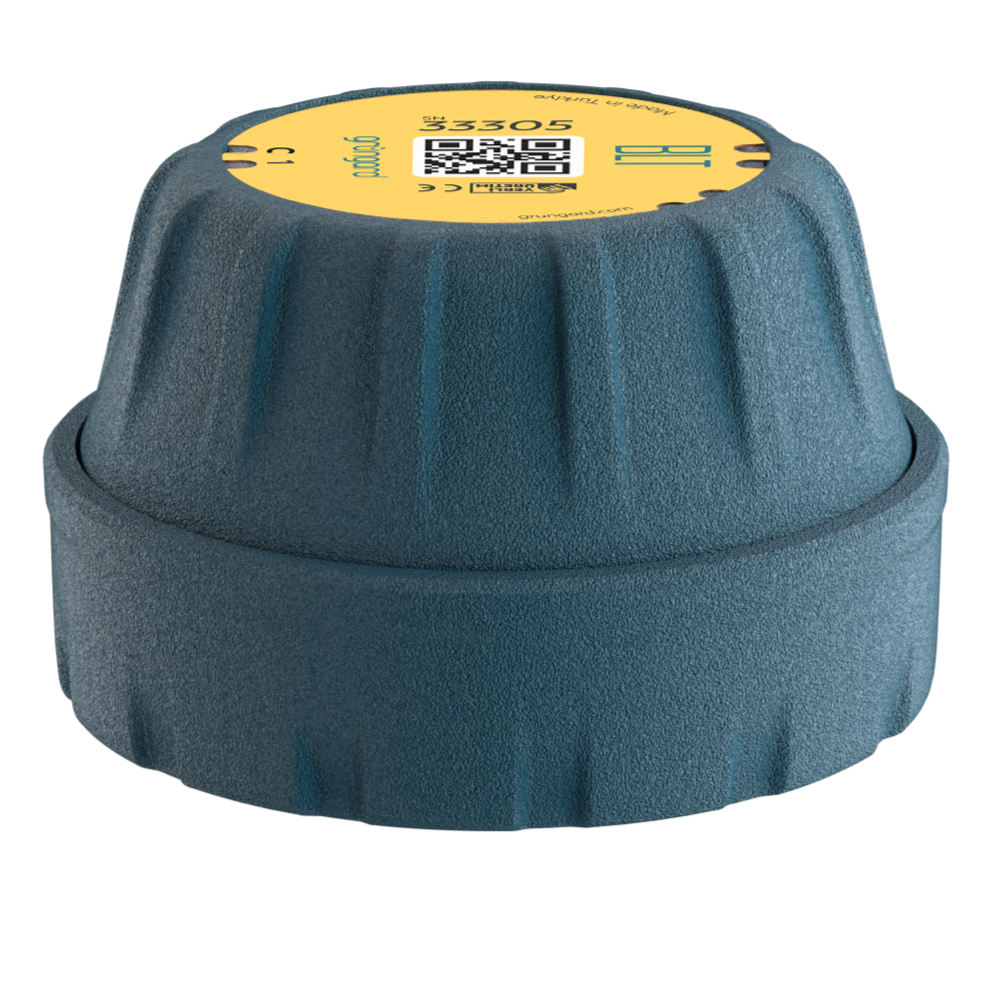
 Bluetooth
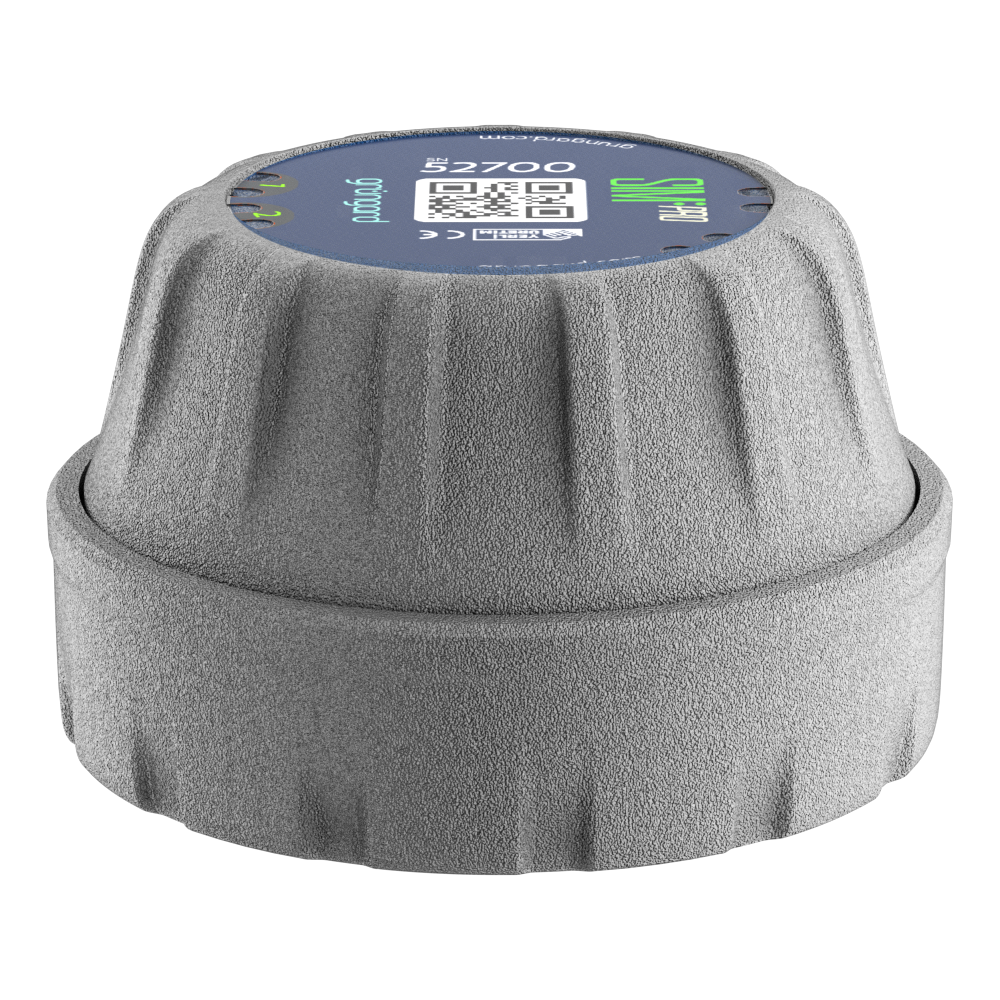 SIM Pro IOT
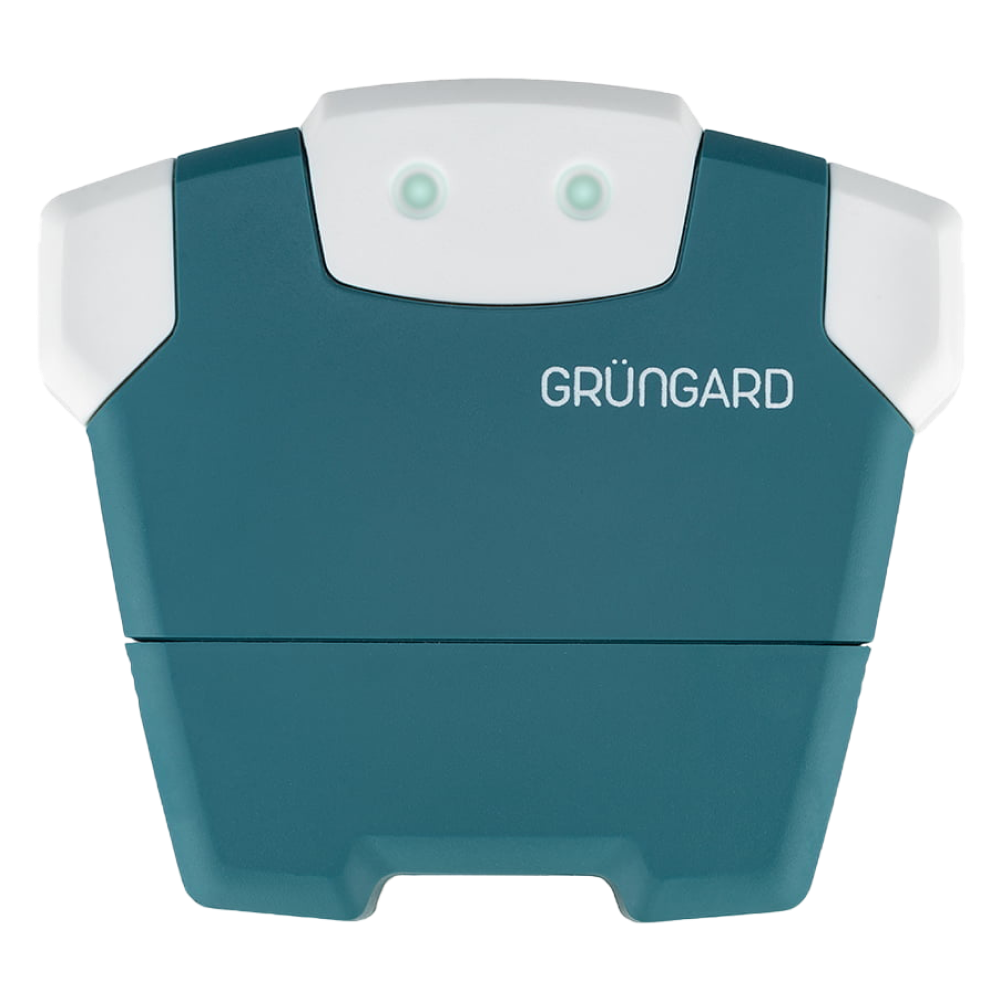 Wi-Fi & Bluetooth
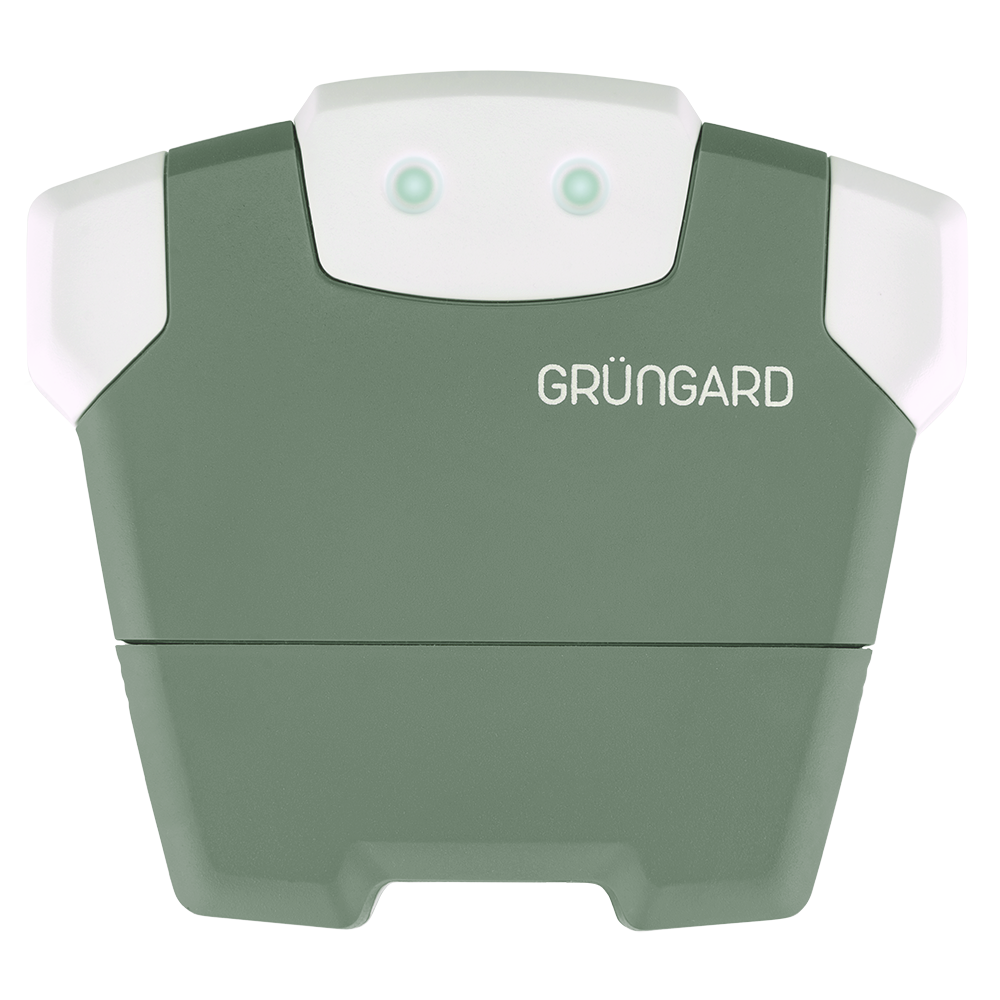 SimFarmer IOT

To access the Grüngard system or create a new account, all you need is your phone number. The system combines registration and login into a single step.
1. Access via Phone Number
On the app screen, enter your phone number without the leading zero. There is no separate “Register” button—the same input field handles both login and account creation.
2. Automatic Identification
If you are a new user: If the system does not find your number in the database, it automatically creates a new account for you.
If you are an existing user: The system recognizes your number and signs you into your account, including all your registered devices.
3. Verification
For security, simply enter the SMS verification code sent to your phone. No passwords to create or remember.
Support
If the SMS code does not arrive, check the Login & SMS Verification Issues page or contact us through the support channels below.


 +90 850 377 07 30


