
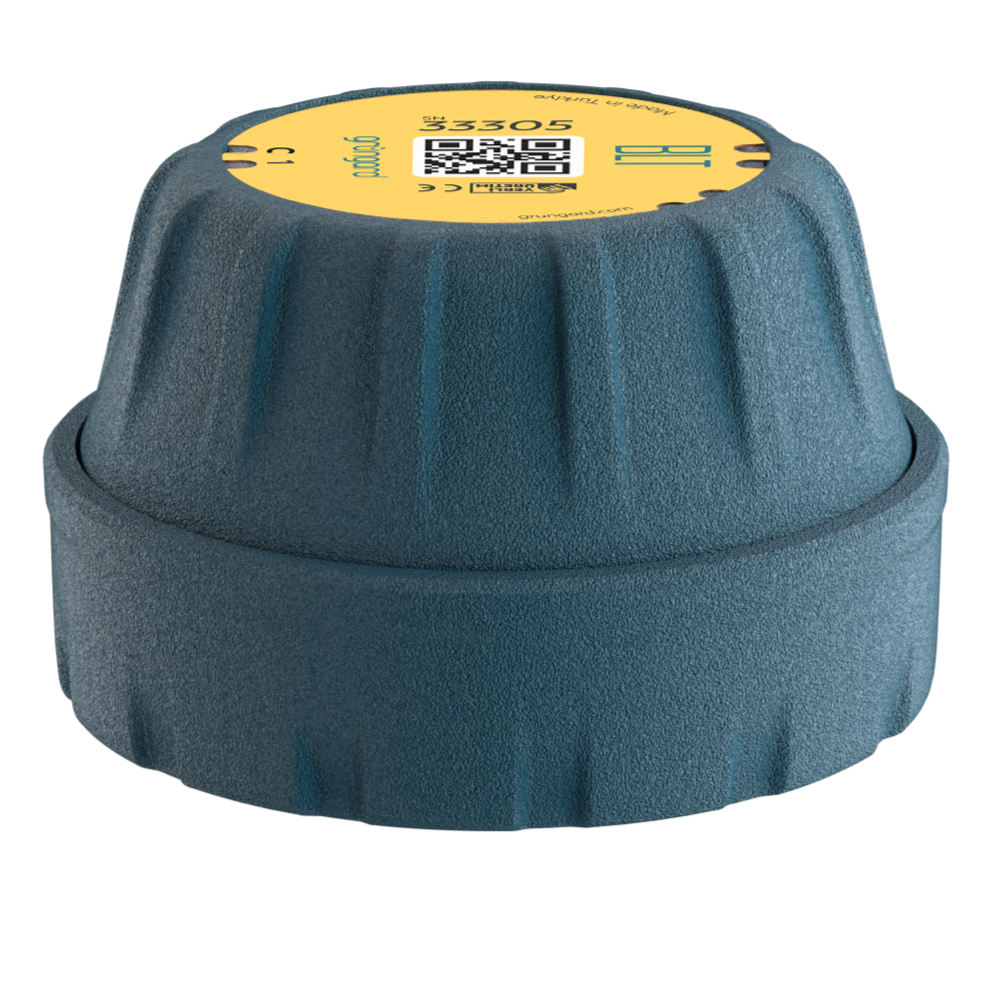
 Bluetooth
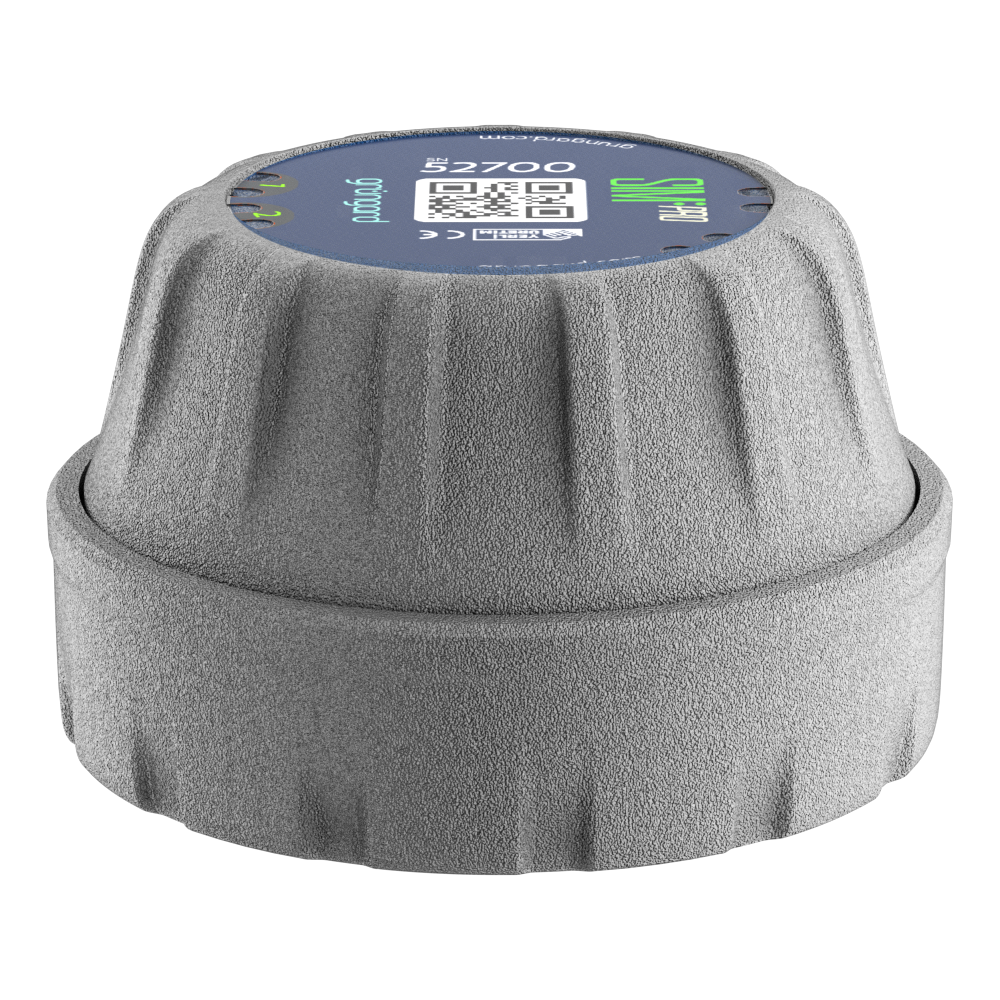 SIM Pro IOT
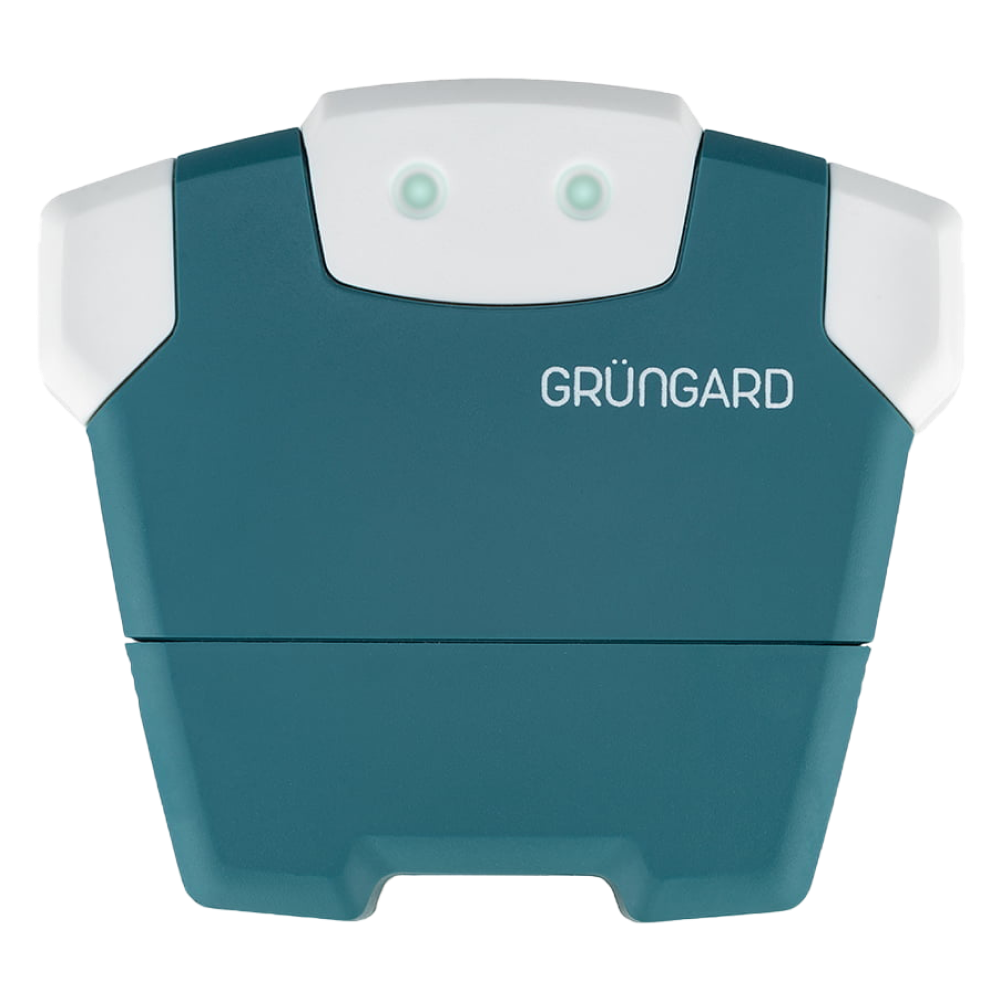 Wi-Fi & Bluetooth
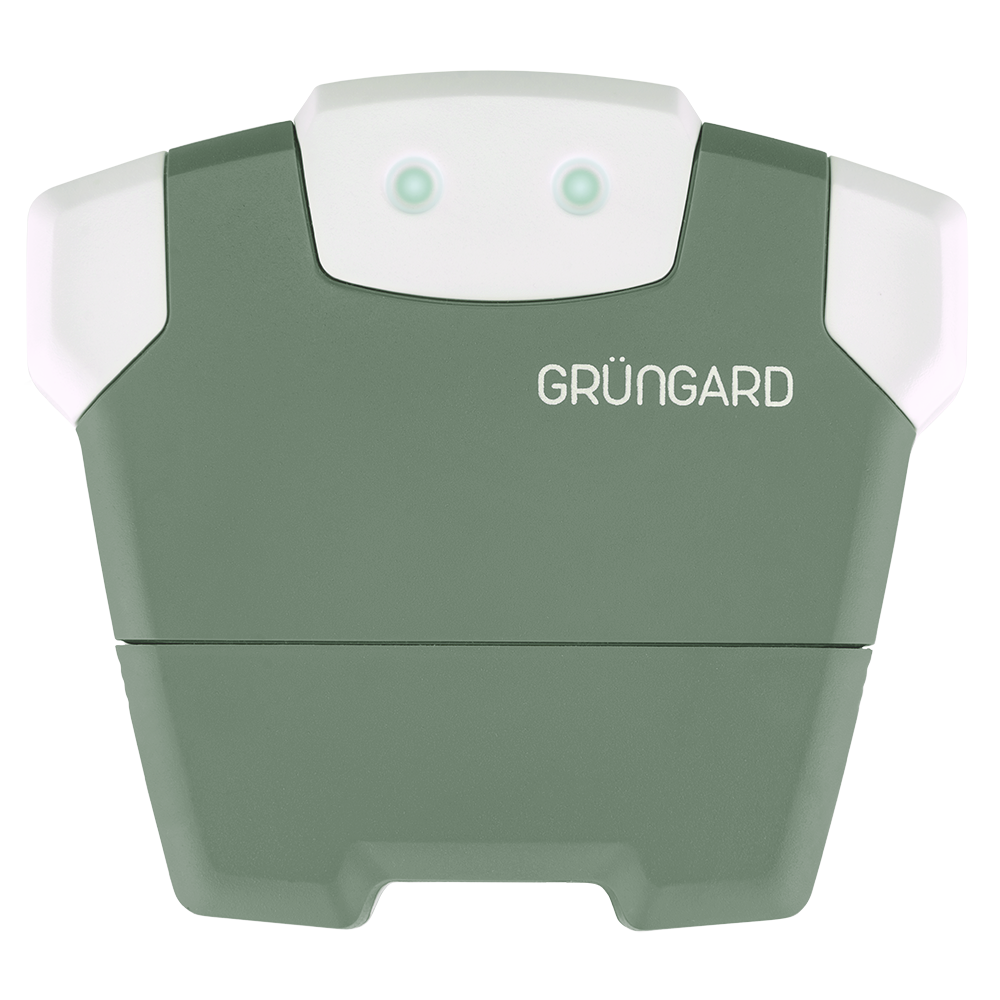 SimFarmer IOT

Removing a Registered Device
To remove a device from the app, go to Settings > Device Settings and use the delete option located at the bottom of the menu.
The result of the deletion depends on the user’s permission level:
1. If the Device Owner Deletes It
The device is completely removed from the database and server. It automatically disappears from the screens of all guest users. To use it again, the device must be set up from scratch.
2. If a Guest User Deletes It
The device is removed only from that user’s list. The main device continues operating normally and remains visible to the device owner.
Support
If you accidentally removed a device, you will need to set it up again or request a new invitation from the device owner.


 +90 850 377 07 30


