
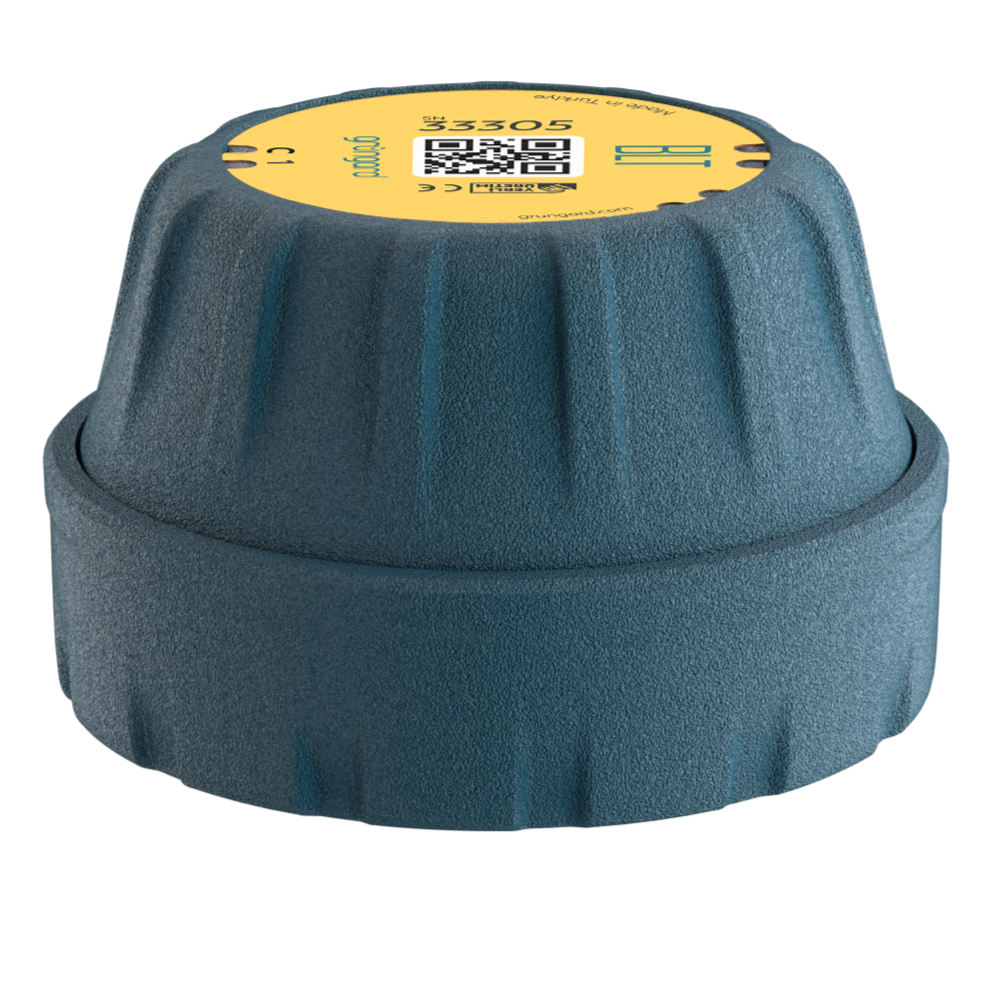
 Bluetooth
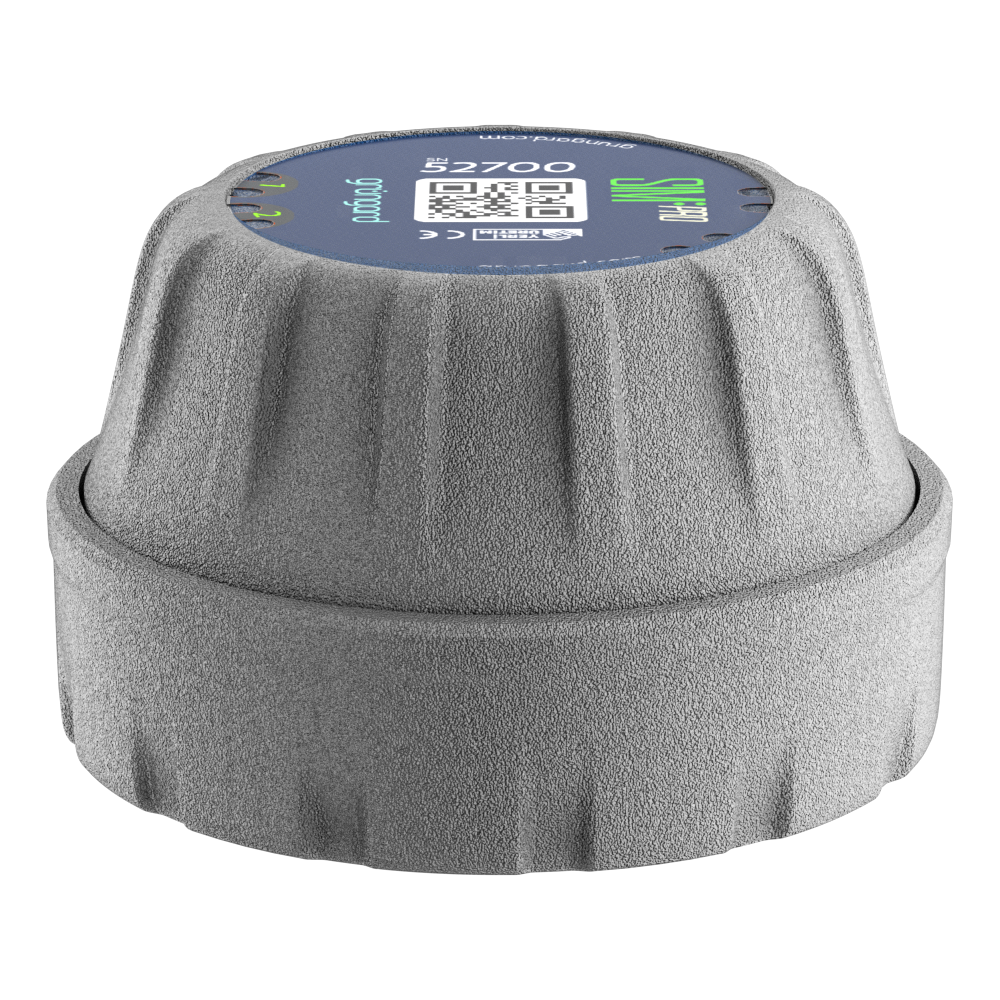 SIM Pro IOT
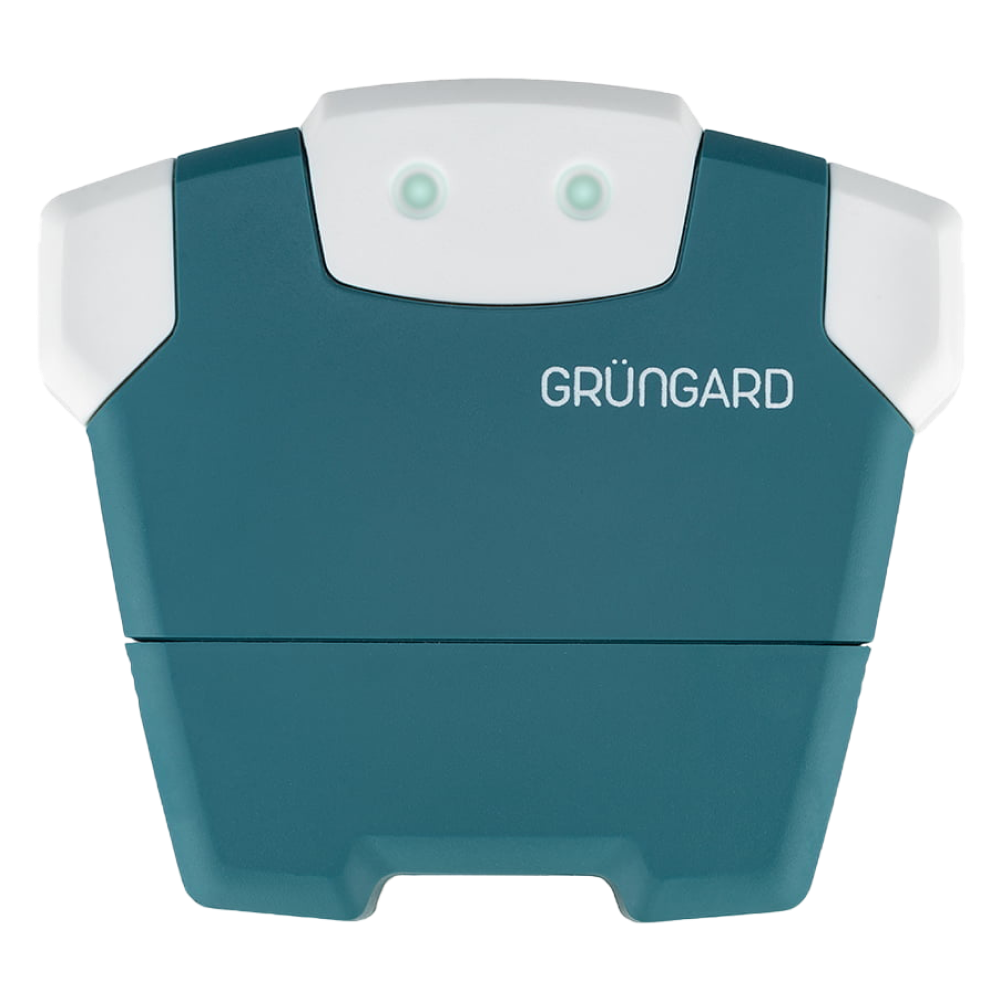 Wi-Fi & Bluetooth
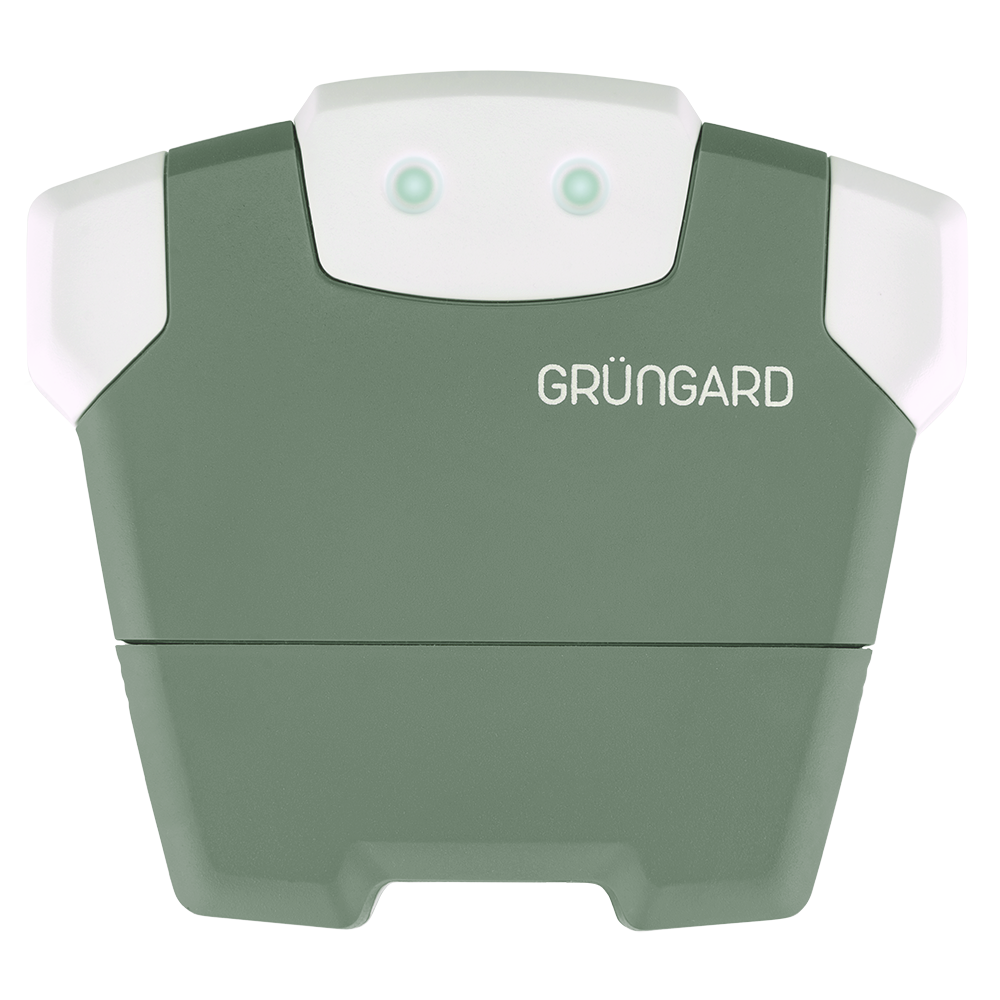 SimFarmer IOT

Device Configuration Issues
You can manage all essential device settings from the Device Settings menu. Available options may vary depending on the features supported by your model.
1. Renaming the Device
If you have multiple Grüngard devices, you can assign a clear, descriptive name—such as “Front Garden”, “Greenhouse”, or “Orchard”—to easily identify each one in the app.
2. Updating Location (For Internet-Connected Models)
This option is available only on devices with internet connectivity (Wi-Fi or SIM). Smart Irrigation features rely on accurate weather data, so make sure the device location is correctly set here. Bluetooth (BLT) models do not require this setting because they do not use online weather data.
3. Zone (Valve) Management
Your device may support multiple irrigation zones—for example, 4 outputs—while your garden may use fewer valves. From this menu, you can deactivate unused zones so they don’t appear on the home screen or in your irrigation schedules.
Support
If you suspect a technical issue or need further help configuring your device, feel free to contact us through the support channels listed below.


 +90 850 377 07 30


