
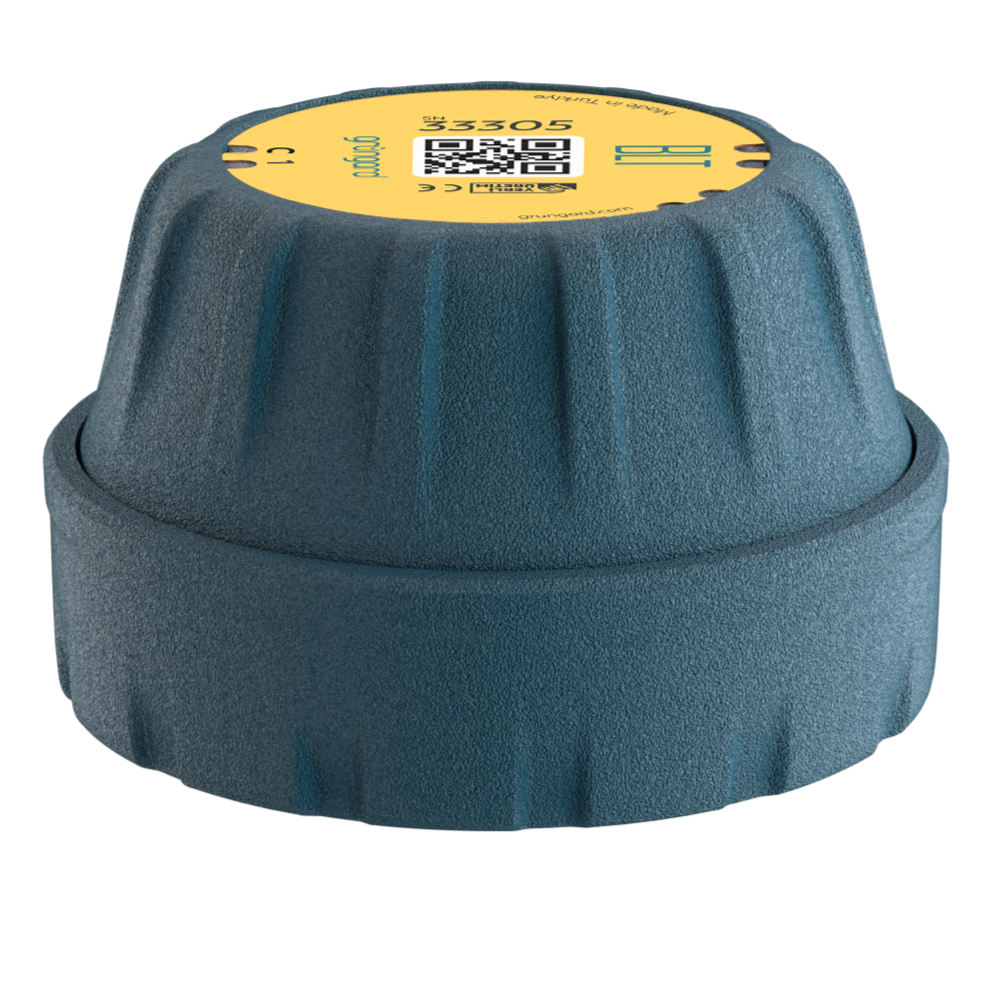
 Bluetooth
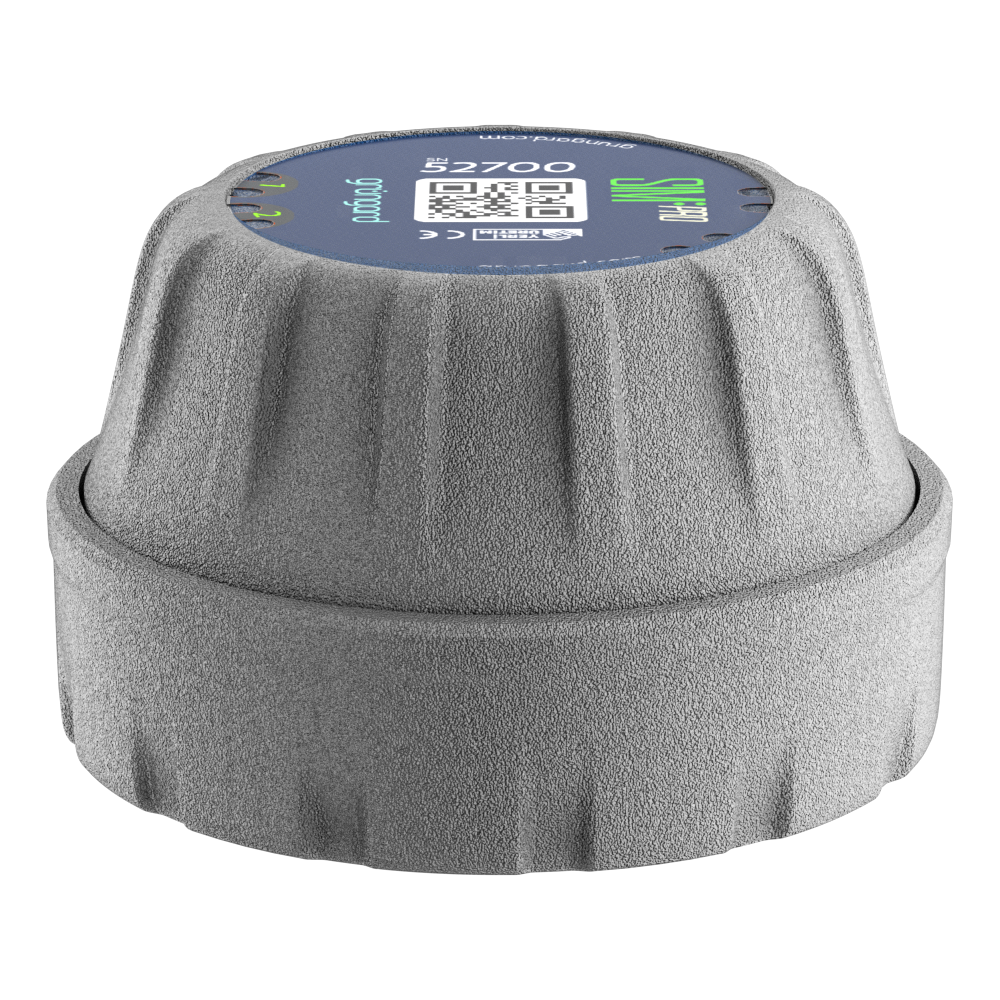 SIM Pro IOT
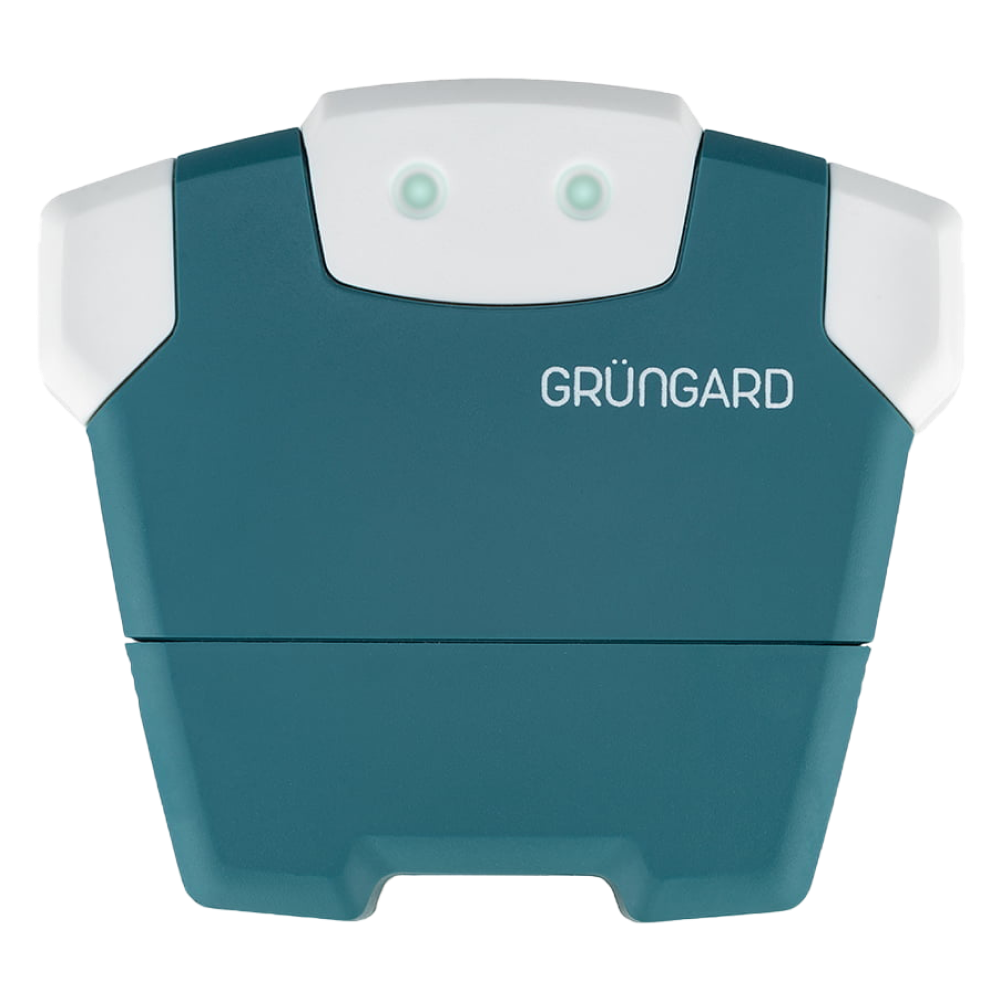 Wi-Fi & Bluetooth
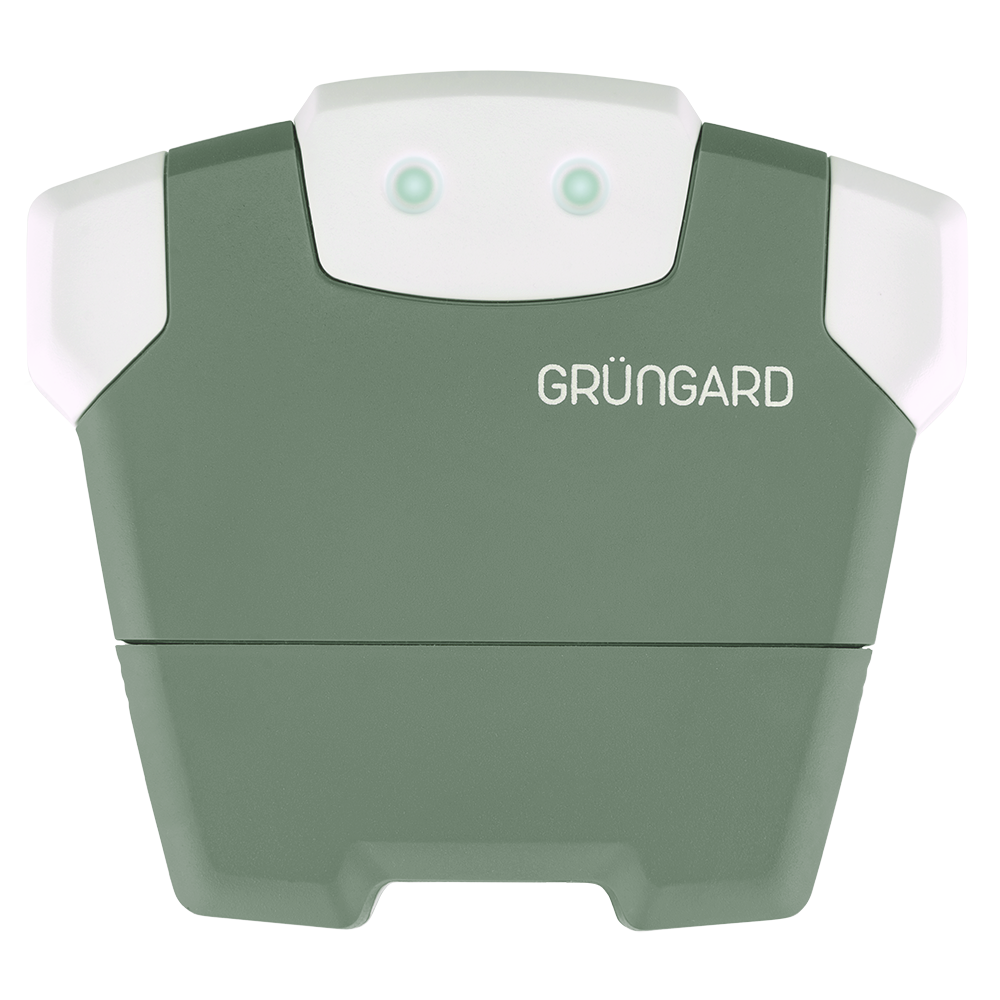 SimFarmer IOT

If the app shows that your device is irrigating but no water flows—or if water continues even after irrigation should stop—follow the steps below to identify the cause.
1. “No Water Flow” Issue #
If the device shows a green LED Wink (connected) but no water is flowing:
Run a Test
Start an Irrigate Now test from the app.
Does the blue irrigation icon appear, and does the device show a blue LED Wink?
Check the Solenoid Coil
If the blue LED Wink is active, the device is sending commands.
Listen for a small “click” or feel a slight vibration on the solenoid coil.
Check the Water Source
Make sure the main water valve is open and that any pump system (if present) is running.
Check the Wiring
Test a different zone.
If all other zones work except one, that valve may have a loose or broken wire connection.
2. “Water Does Not Stop” Issue (Important!) #
If water continues flowing even after irrigation should end, determine whether the issue is electrical or mechanical:
Disconnect Power
Unplug the device completely.
(For battery models, remove and reinsert the batteries—or replace them if needed.)
Result A – Water Stops
If water stops when power is removed, the issue may be related to the device relay or software.
Please contact our technical team.
Result B – Water Continues
If water keeps running even with no power, the issue is almost certainly mechanical.
Dirt, sand, gravel, or algae may be stuck inside the valve, preventing the diaphragm from fully closing.
Immediate Action
Close the main water valve to prevent flooding.
Solution
The valve may need cleaning or the diaphragm may require replacement.
We recommend assistance from a professional plumber or gardener.
Support #
If the issue persists or a part replacement is required, contact us anytime via WhatsApp Live Support.
Water your garden with confidence — control is now in your hands.


 +90 850 377 07 30


