
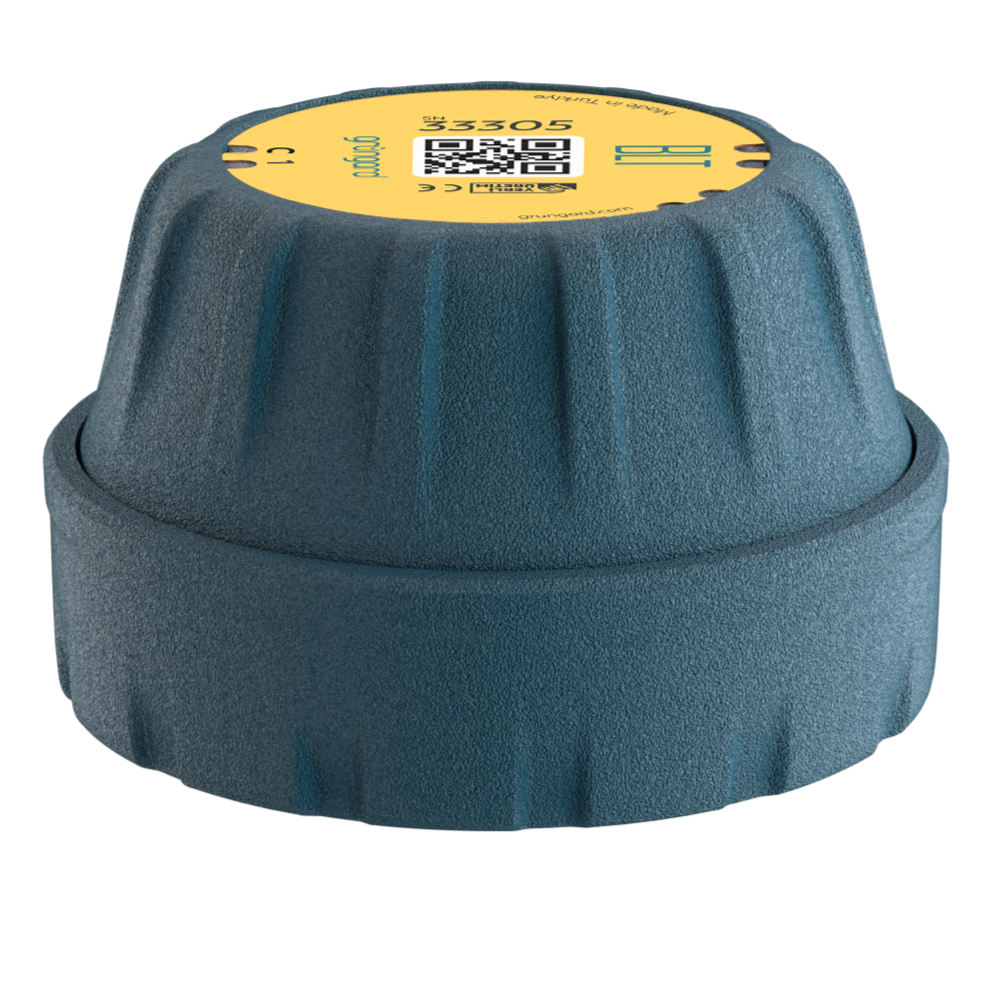
 Bluetooth
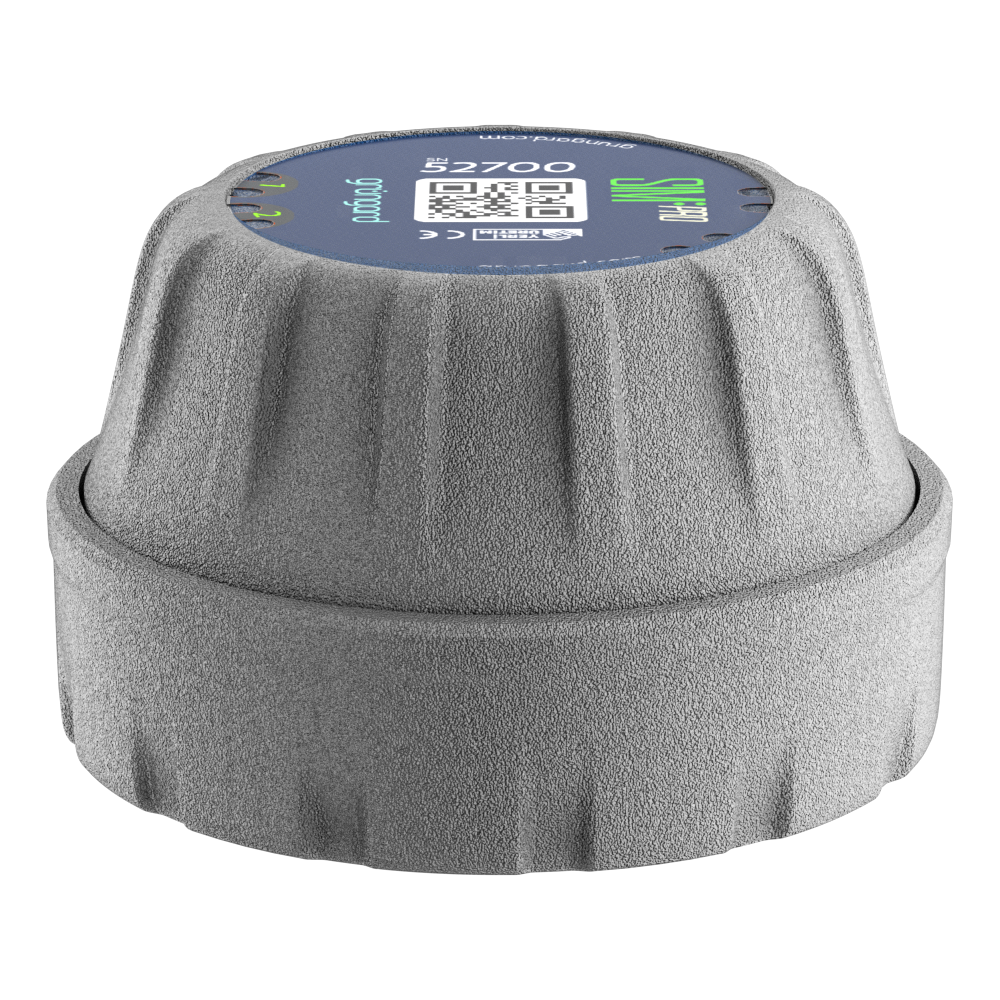 SIM Pro IOT
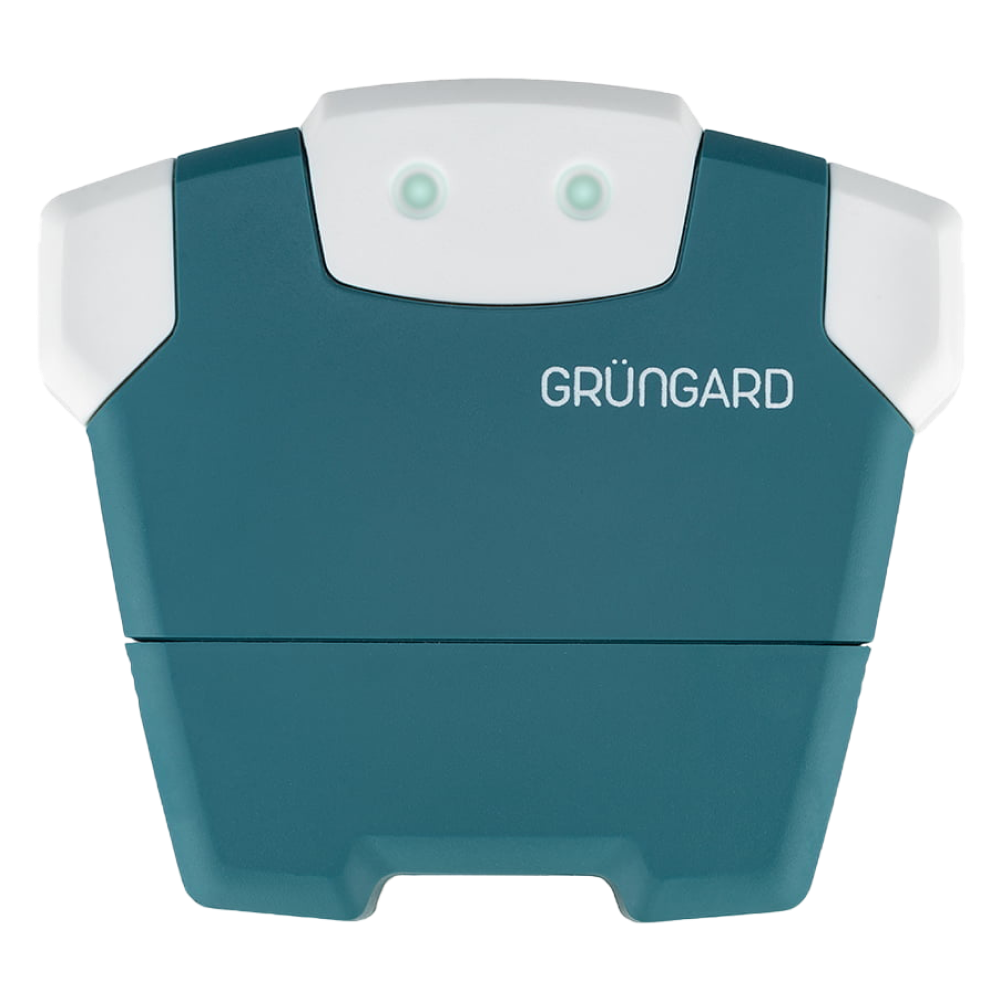 Wi-Fi & Bluetooth
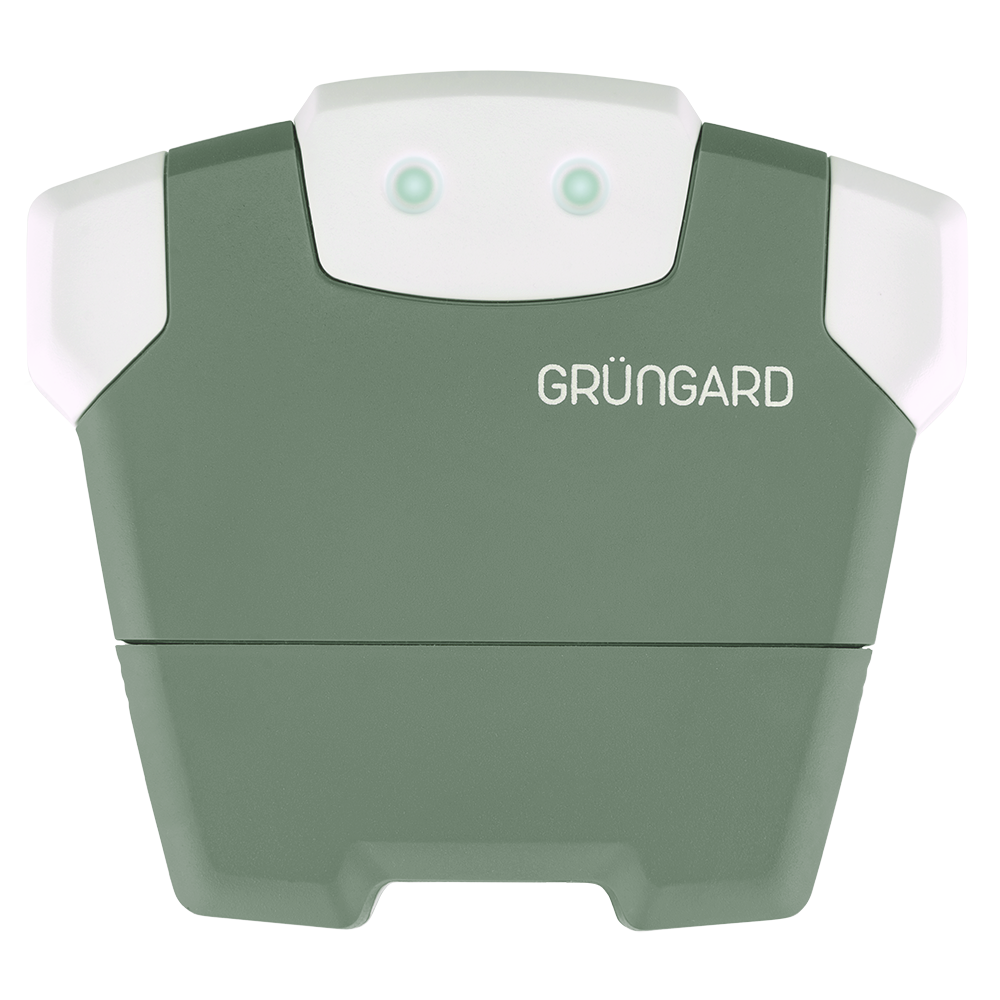 SimFarmer IOT

If you cannot receive the verification code (SMS) while signing in with your phone number, check the steps below.
1. Internet Connection #
Make sure your phone is connected to the internet.
Without an internet connection, the app cannot request or send the verification code.
2. Country Code Selection #
Before entering your number, tap the flag icon and ensure the correct country code is selected
(e.g., +1 for the United States).
3. Number Format #
Enter your phone number without any extra leading digits.
Example (US): 555 123 4567
4. SMS & Spam Folder #
Check the Spam, Junk, or Filtered sections of your messaging app.
The verification SMS may have been redirected there.
Support #
If you still haven’t received the code after these steps, don’t wait.
Contact us immediately via WhatsApp Live Support, and we’ll help you sign in right away.
Water your garden with confidence — control is now in your hands.


 +90 850 377 07 30


