
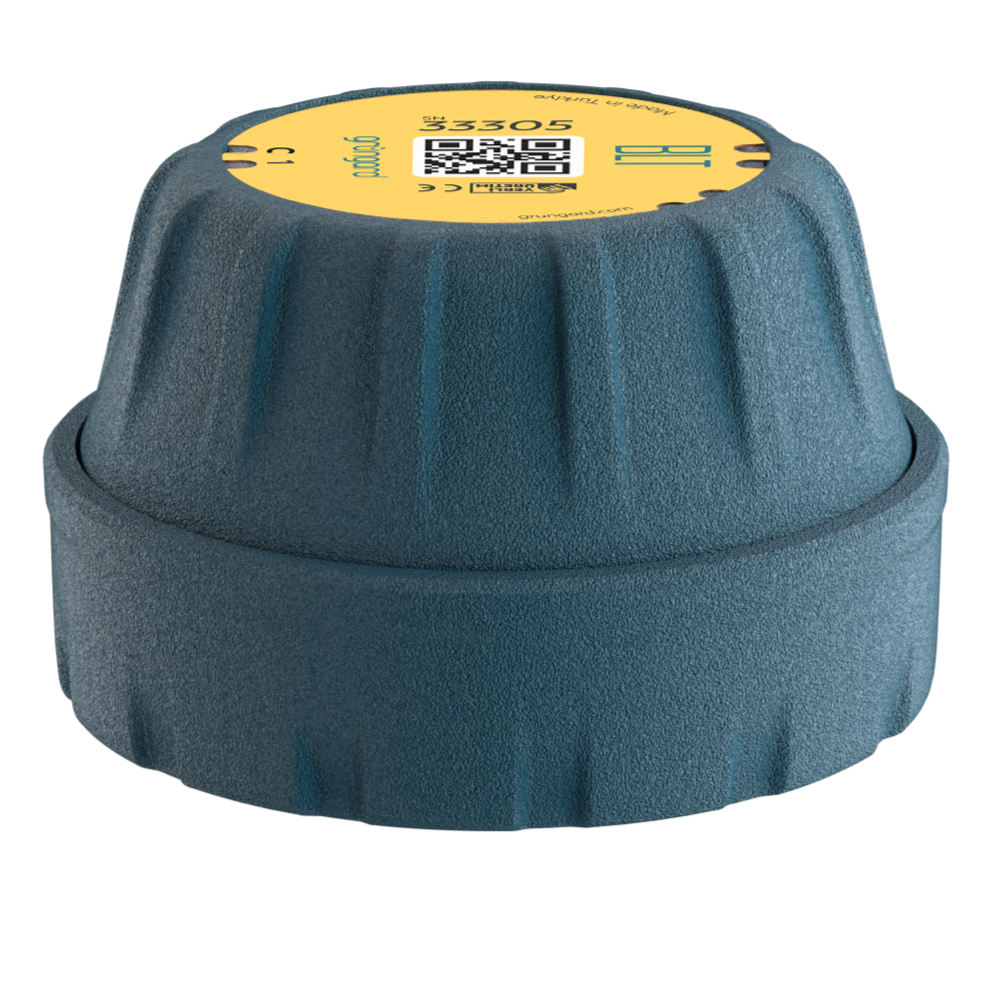
 Bluetooth
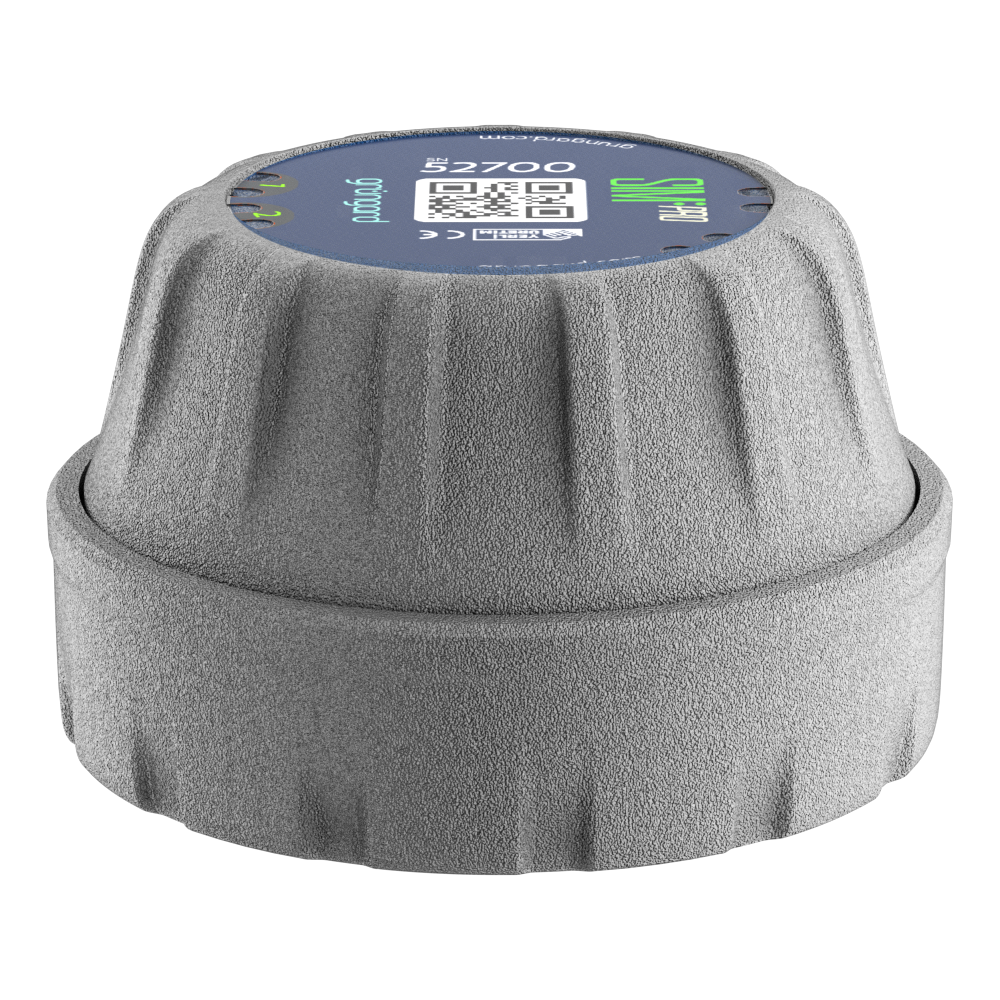 SIM Pro IOT
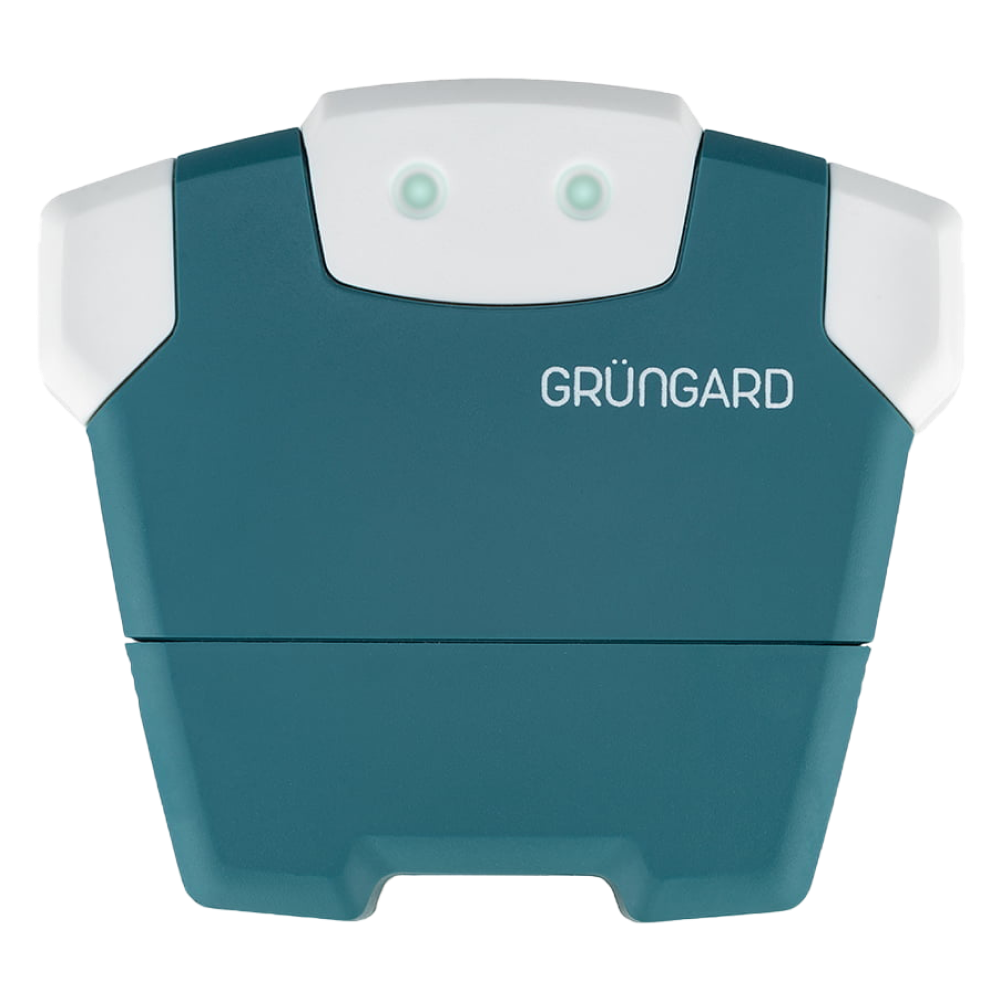 Wi-Fi & Bluetooth
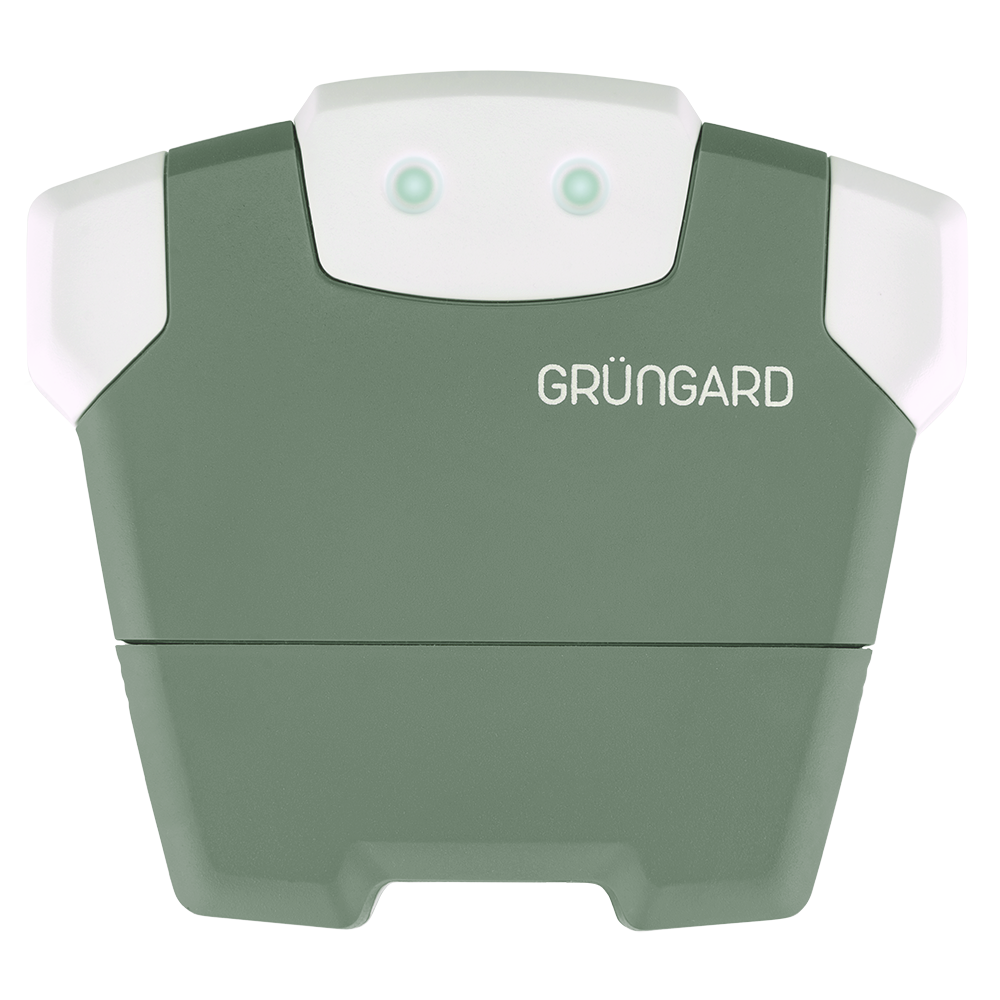 SimFarmer IOT

If a scheduled irrigation cycle did not start at the expected time, follow the steps below to identify the cause.
1. Check the Water Source #
Make sure the main water line supplying your garden is open and that there is no water outage. If your system uses a water tank or pressure booster, check the water level.
2. Check Device Power #
Ensure the device had power (electricity or battery) at the scheduled irrigation time.
If there was a power outage during the scheduled run, the device will not operate.
When power returns, it does not compensate for missed irrigation; it simply waits for the next scheduled cycle.
3. Verify Schedule Activation #
Go to Irrigation Schedules and confirm that the toggle next to your schedule is turned on.
Inactive schedules will not run.
4. Smart Irrigation (Weather) Impact #
If rain, wind, or sun sensitivity is enabled, the system may have intentionally skipped irrigation based on live weather data.
This is a water-saving feature and not a malfunction.
5. Check Active Days #
Review the selected days in your irrigation schedule and ensure that today is one of the active days.
6. Rest Day Settings & Shared Access #
If the device is shared with family members or your gardener, someone may have postponed or canceled irrigation.
Check the Irrigation Calendar to see whether irrigation is scheduled or skipped.
A user may have added a Rest Day, which would prevent irrigation from running.
Support #
If all settings appear correct and the issue persists, contact us via WhatsApp Live Support for assistance.
Water your garden with confidence — control is now in your hands.


 +90 850 377 07 30


